Automations
Turn YouTube channels into automated content machines
Automatically repurpose every new video into SEO-friendly blog posts delivered directly to your site, inbox, or workflow.
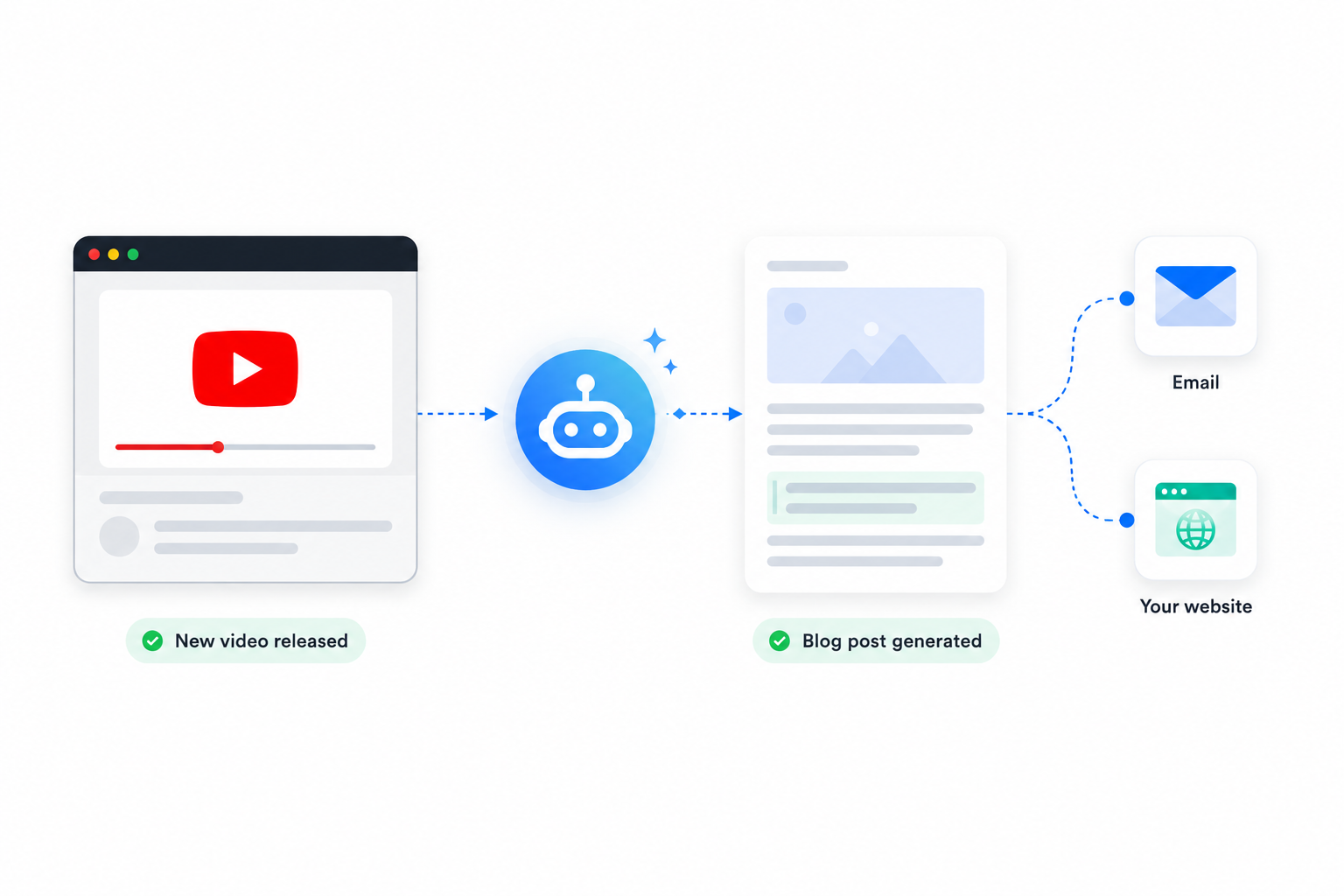
Automation turns content creation into a scalable system.
How It Works
Create an automation in three simple steps.
Step 1
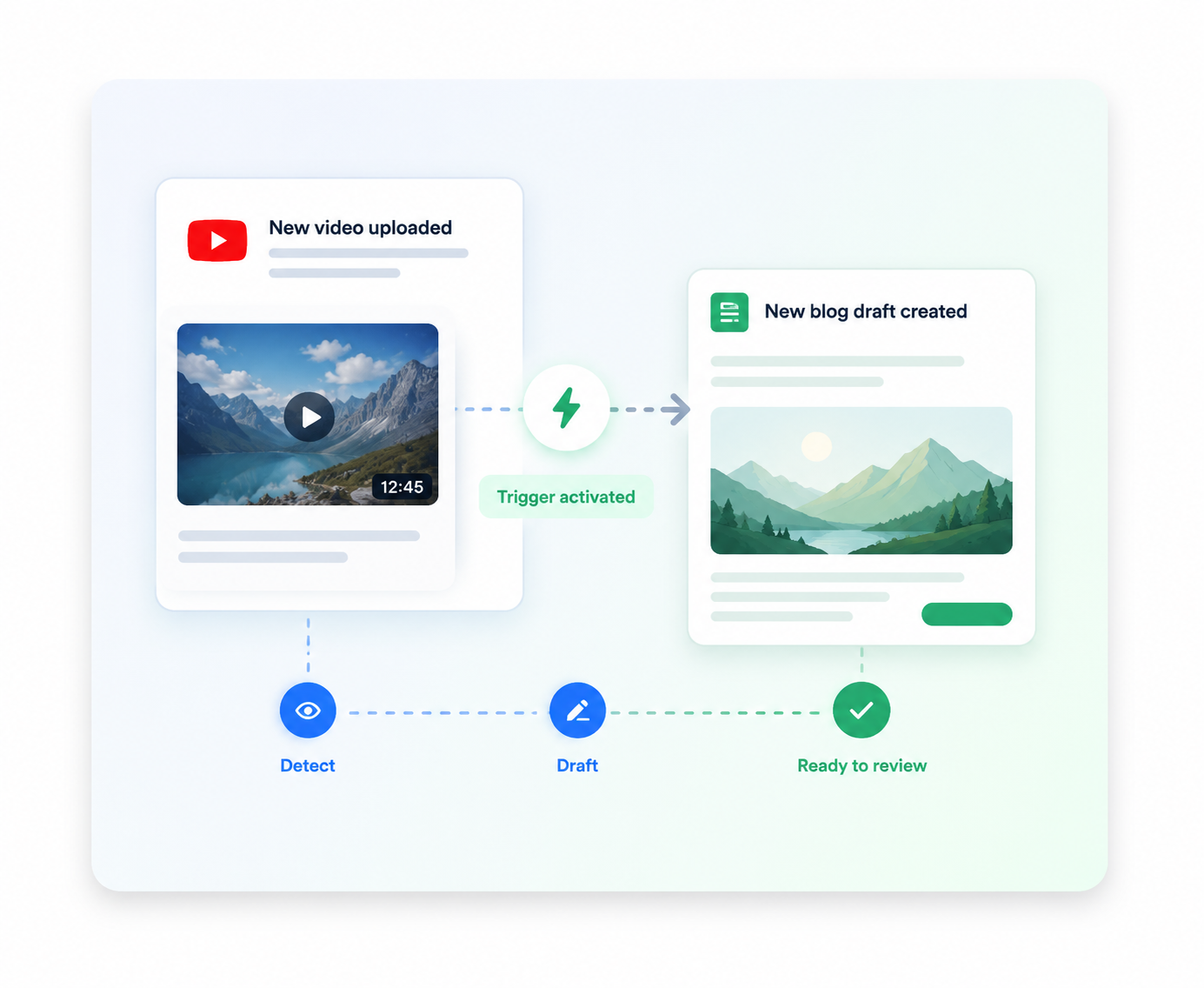
Connect the YouTube channel
Video to Blog will detect anytime a new video is released.
Step 2
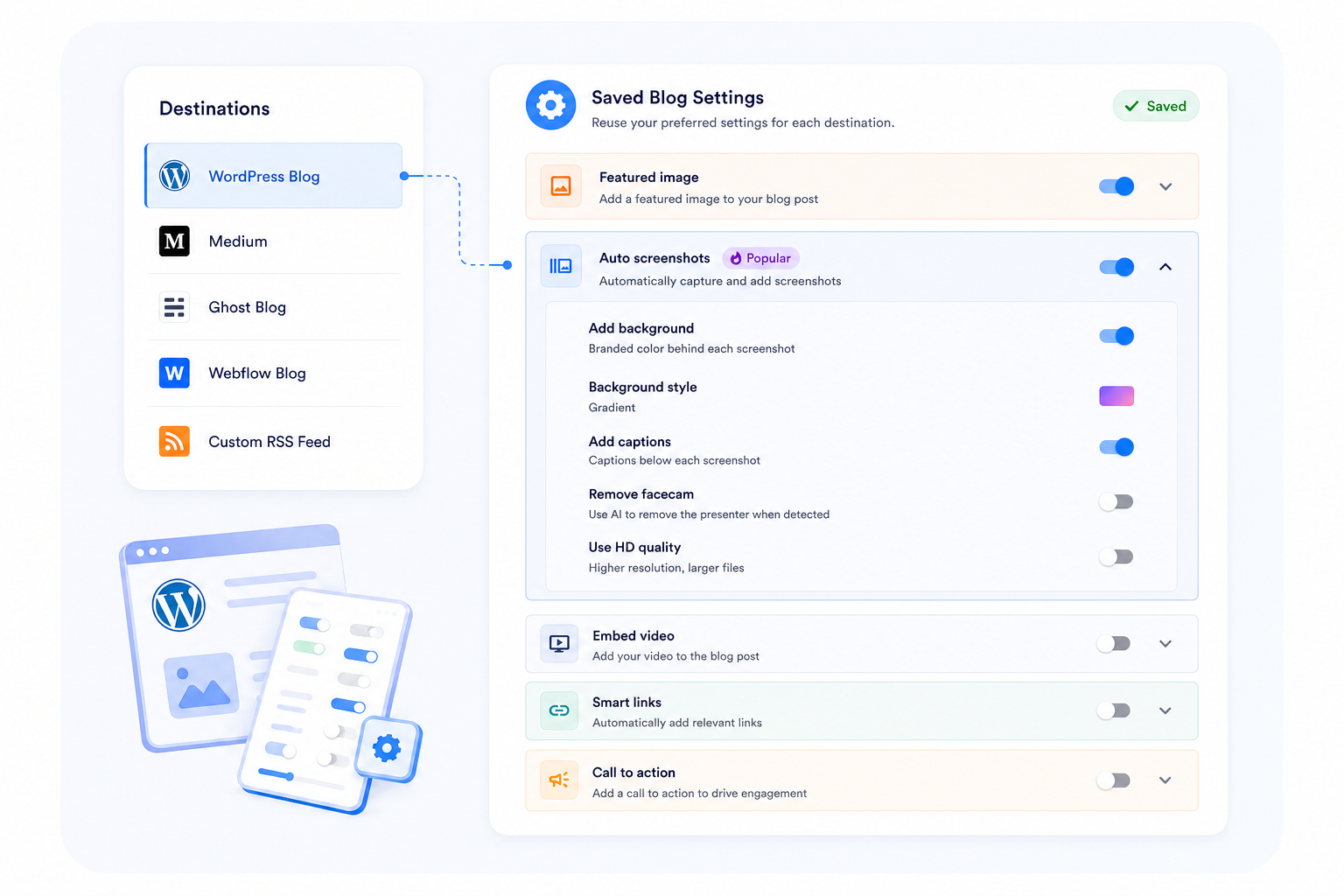
Choose your settings
Configure how you want your blog post to be generated and where to send it.
Step 3
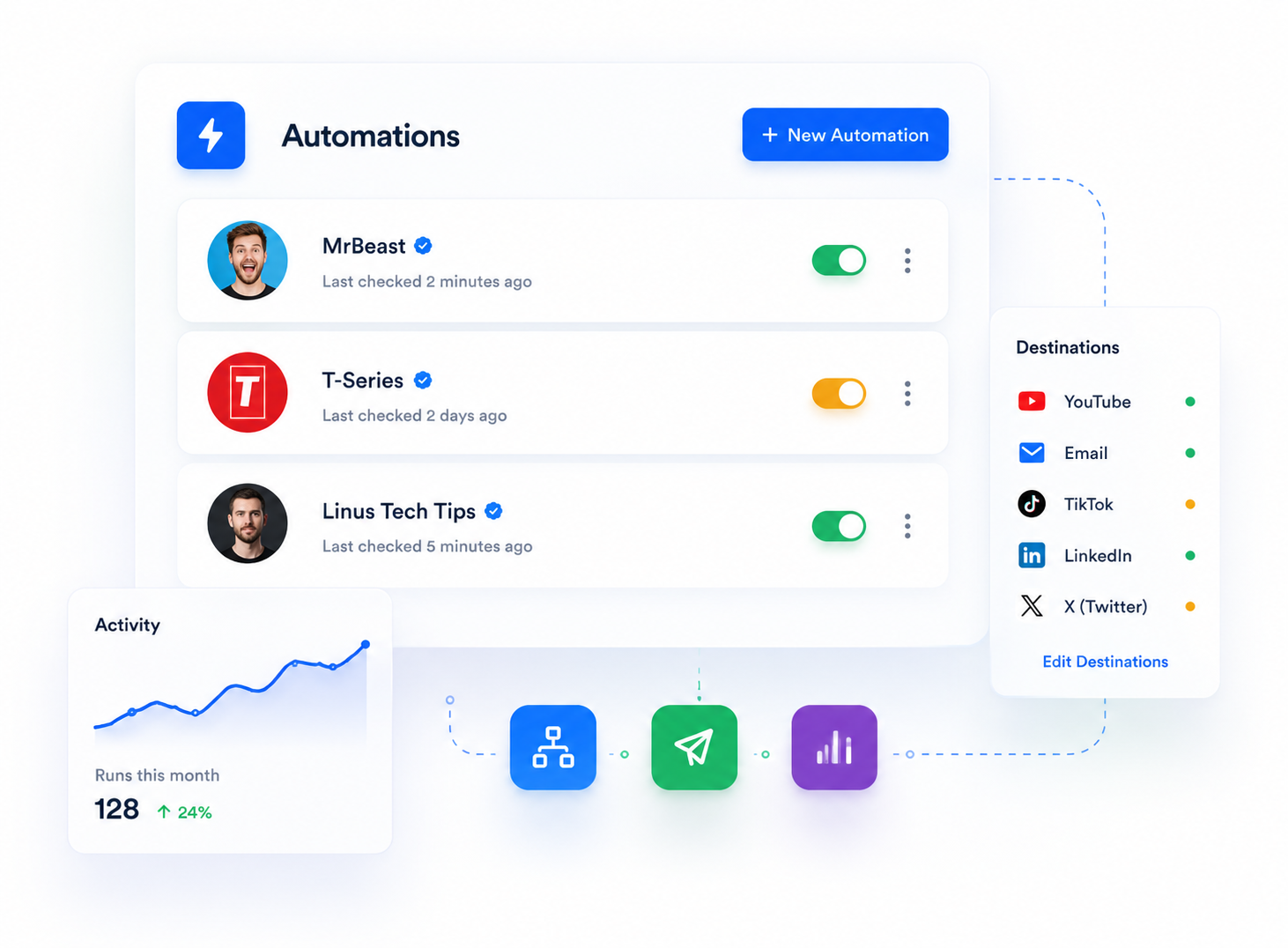
That's it!
A blog post will automatically be generated and sent to your destinations anytime a new video is released on that channel.



FAQs
What triggers an automation?
Automations watch connected YouTube channels and can generate a new post when a new video is detected.
Where can automated posts go?
Automated posts can be sent to your website or publication as drafts, and they can also be delivered by email for review.
Can I control the blog settings for each automation?
Yes. Each automation can use its own saved blog settings so structure, style, and publishing behavior stay consistent for that source.
Can I pause or update an automation later?
Yes. Automations can be enabled, disabled, edited, and adjusted later as your workflow changes.
Do I need to publish automatically?
No. You can route posts into a draft or review workflow so you still approve content before it goes live.
What third-party automation platforms do you support?
Zapier, n8n, and Make.
Try Automations
Paste a YouTube link or upload a file.