Calls to Action
Turn readers into customers with call to actions
Automatically add high-converting CTAs throughout your articles to drive clicks, leads, sales, and signups without manual editing.

Great content doesn’t just inform — it converts.
CTA editor
Design custom CTAs in seconds
Create fully customized calls to action with your own text, colors, images, buttons, and branding — no design tools required.
Reusable templates
Reuse CTAs across every blog post
Save your best-performing CTAs once and instantly use them across future articles without rebuilding them from scratch.
AI-powered placement
Let AI insert CTAs automatically
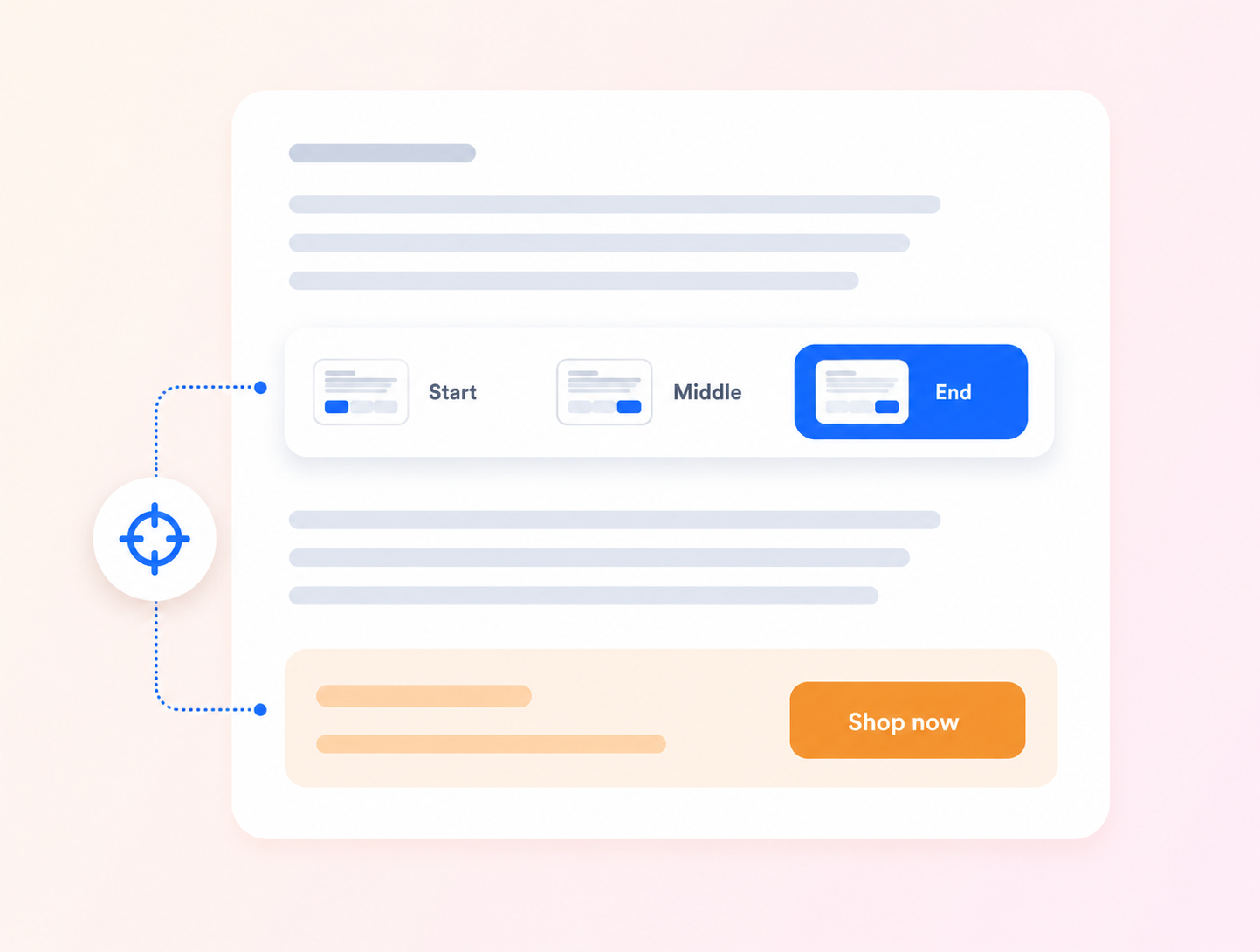
Simply select a CTA during blog generation and Video To Blog will naturally place it throughout your article automatically.
FAQs
Why use calls to action?
Calls to action help turn readers into subscribers, leads, and customers by giving them a clear next step. You can use them to promote a YouTube channel subscription, email newsletter signup, merchandise store, product offer, service, free consultation, demo request, webinar, lead magnet, course, or downloadable resource.
Can I reuse the same CTA across multiple posts?
Yes. You can save a CTA once and use it again in future posts instead of rebuilding it each time.
Can I choose where the CTA appears in the post?
Yes. You can place a CTA at the beginning, middle, or end of the post, and you can also add or swap one during review.
Can I customize the design?
Yes. You can customize the title, subtitle, button text, link, image, colors, gradients, and overall presentation.
Can I update a CTA later?
Yes. Existing CTAs can be edited later so you can refresh messaging, links, or visuals without starting from scratch.
Try Calls to Action
Paste a YouTube link or upload a file.