How to Steal Cinema Story Principles for Better YouTube Retention: Show, Intention + Obstacle, and Cause + Effect

Mar 26, 2026 • 5 min read
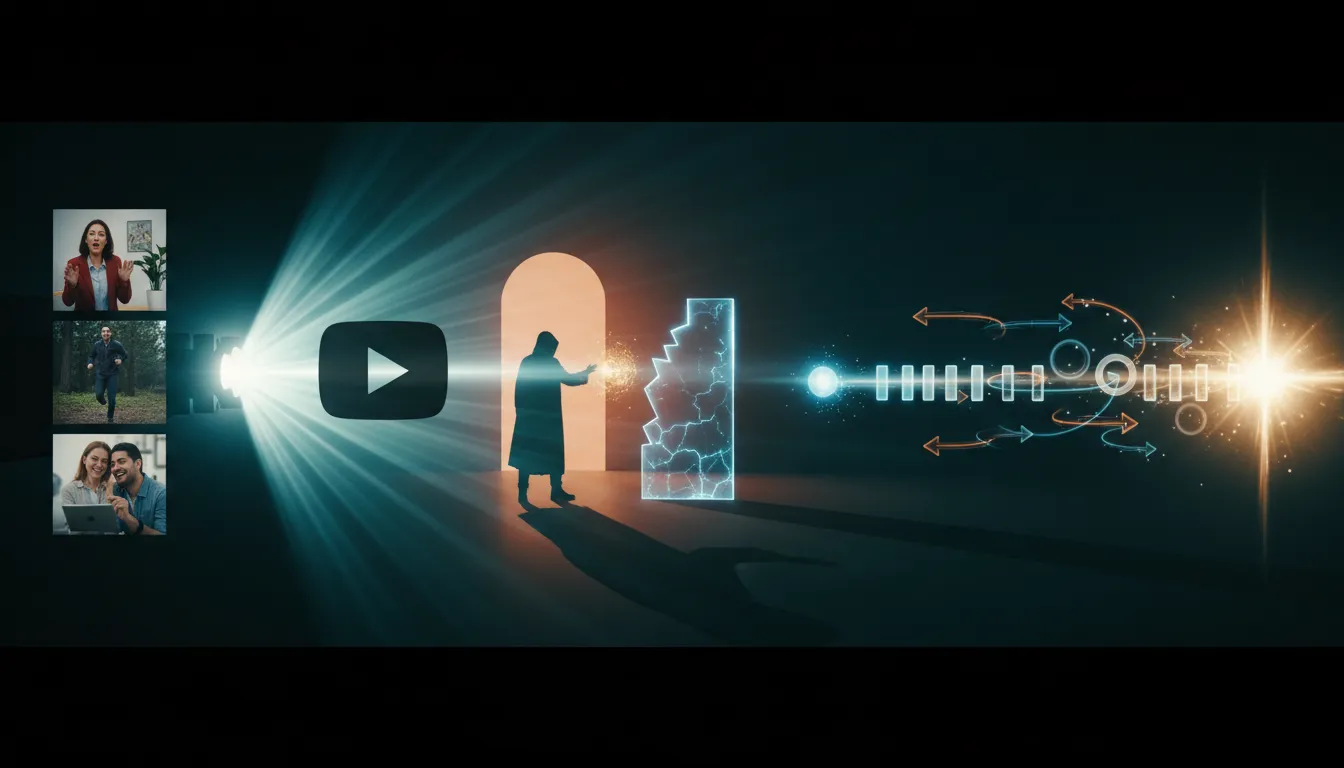
If YouTube retention feels unpredictable, the fix is often not “more editing” or “more hooks.” It is story mechanics. Cinema has refined pacing and audience psychology for more than a century.
In this guide, you will learn three cinema-grade principles that map cleanly to YouTube:
- Show, don’t tell (make viewers feel the point)
- Intention and obstacle (build conflict from real goals)
- Cause and effect (every beat triggers the next)
You will also get practical ways to apply them in planning, filming, and editing, plus common mistakes that break retention.
Why cinema principles work on YouTube
YouTube is not a feature film. But the audience brain still responds to the same fundamentals: clarity, tension, momentum, and payoff. When story beats connect tightly, viewers feel less like they are “being informed” and more like they are “pulled forward.”
These principles help you create:
- Clear narrative momentum (less confusion, fewer drop-offs)
- Emotional comprehension (viewers do not need everything spoken aloud)
- Natural suspense (the next moment matters because the current moment forces it)
Principle 1: Show, don’t tell (turn explanation into experience)
“Show, don’t tell” means replacing abstract explanations with visual and audio choices that communicate meaning through experience.
What “show” looks like on YouTube
Instead of saying what is happening, you design the moment so the audience can infer it instantly. That usually includes:
- Shot composition (what is emphasized, what is hidden)
- Shot size (wide for context, close-up for emotion)
- Angles and movement (power, tension, uncertainty)
- Music and sound design (tempo and emotion cues)
- Timing and pacing (how quickly information arrives)
- Performance and action (behavior reveals character)
A practical editing test: “No voiceover first”
Before you narrate, try building the story with only cuts, music, and sound effects.
- Block the narrative using rough footage and the order of events.
- Cut without writing narration.
- Add temporary music and sound to guide emotional rhythm.
- Only then decide what narration is truly necessary.
If you cannot explain the story without voiceover, it is usually a sign your sequence needs clearer visual cause, not more words.
When “show” is easiest
This principle is especially effective for:
- Documentary-style storytelling with strong footage
- Experiments, challenges, or events
- Skits and narrative shorts
- Behind-the-scenes content where the audience can infer stakes
Principle 2: Intention and obstacle (conflict creates momentum)
Great stories are driven by character intent. A character (or creator persona) wants something, and an obstacle blocks them. The audience stays because they care what happens next.
Intention: what does your character want?
Intention needs to be specific enough that the audience can track it. Examples of strong intentions:
- “Win the competition”
- “Get the client approval today”
- “Prove this method works”
- “Survive until morning without making a mistake”
Obstacle: what stands in the way?
Obstacles should force new decisions. They can be external (time pressure, failure, missing supplies) or internal (fear, indecision, limited skill).
One obstacle is a start, but multiple obstacles usually create better retention. Each attempt creates friction and consequences.
Two questions to apply before filming
Use these as a quick checklist:
- Is the intention compelling enough? If you would not care about the goal, the audience will not either.
- Will real obstacles appear? If everything goes smoothly, you will end up with a “progress montage” that lacks tension.
Common misconception: fake obstacles boost engagement
Fake obstacles can backfire because audiences detect contrivance quickly. A better approach is to design constraints that naturally create friction.
For example:
- Limit time or resources
- Create constraints on allowed tools
- Set a deadline that cannot be extended
- Use unpredictable real-world variables
Principle 3: Cause and effect (each beat must force the next)
Cause and effect means every moment either:
- Creates the next problem, or
- Answers a question while opening a new one.
When this is done well, viewers feel like they cannot skip ahead without losing meaning.
The “list vs story” test
If you can reorder your beats and the story still works, you likely have a list of events, not a connected sequence.
Fix it by building explicit links between beats: decisions cause outcomes, outcomes create consequences, consequences demand the next choice.
A simple writing method: replace “and” with “but” and “therefore”
When planning beats, look for weak connective tissue. A helpful pattern is:
- But = the obstacle appears
- Therefore = the reaction happens
That structure forces momentum and clarifies why the next scene exists.
How to apply cause and effect during editing
- Write your provisional story beats (even bullet points).
- Mark every beat that does not move the plot forward.
- Remove or rework “non-driving” moments so they either create an obstacle or change a condition.
- Trim footage that repeats information without consequences.
Retention often improves simply because the sequence stops wandering.
Putting all three principles together: a practical framework
You can combine the three principles into a workflow that works for shorts, long-form, and series.
Step-by-step framework
-
Define intention
What does the “main force” of the story want?
-
Identify obstacles
List at least 3 friction points that force decisions.
-
Map cause and effect
Write beats so each beat triggers the next (no rearrangeable lists).
-
Build a “show” edit first
Assemble the sequence without heavy narration. Use cuts, sound, and pacing to communicate.
-
Add voiceover only where it clarifies or intensifies
If narration can be replaced by visual meaning, replace it.
-
Cut anything that does not create consequence
If a moment does not produce a new obstacle or payoff, remove it.
Pitfalls that quietly destroy retention
Even strong creators struggle with these issues. Watch for them in your drafts.
1) Explaining instead of showing
If the audience can predict the next 10 seconds because nothing changes, they will leave. Replace explanation with actions, visual shifts, or sound-driven emphasis.
2) Intention that is too vague
“We try to improve the channel” is not an intention. “We attempt X and the result decides Y today” is an intention the audience can track.
3) Obstacles that do not matter
A barrier that has no real consequences is just texture. Obstacles should change options, outcomes, or stakes.
4) A “cool montage” without cause and effect
Montages can work, but only if they still move the story forward through changing conditions, not just showing effort.
5) Foreshadowing without payoff
Teasing the end can retain attention only if the teased information becomes the reason the next beat exists.
FAQs about cinema story principles for YouTube
Do these principles work for educational content?
Yes. The intention can be “solve the problem,” the obstacle can be “the common mistake” or “a constraint,” and cause and effect can be built through problem-solution progression. Use show-don’t-tell by demonstrating concepts, not just describing them.
Will this reduce my voiceover time?
Usually. The goal is not zero narration. The goal is to narrate only where it adds clarity or emotional punch that visuals cannot provide.
Can I use this in shorts?
Absolutely. Shorts are often where these principles are easiest because you can structure quickly: one intention, one main obstacle, and a clear cause chain to the payoff.
Takeaway: cause and effect equals retention, intention equals purpose
If you want better retention on YouTube, focus on why the next moment matters.
- Show, don’t tell makes meaning experiential.
- Intention and obstacle creates tension.
- Cause and effect builds momentum so the audience stays on the edge of what happens next.
Start with one video: plan intention and obstacles, draft beats as a connected chain, assemble an edit with minimal narration, then remove anything that does not produce consequence. You will feel the difference in clarity and pacing immediately.


