
Roberta Church Concord NCConcord, NC
Help your community revisit messages and share them easily without extra writing time.
Proof from the market






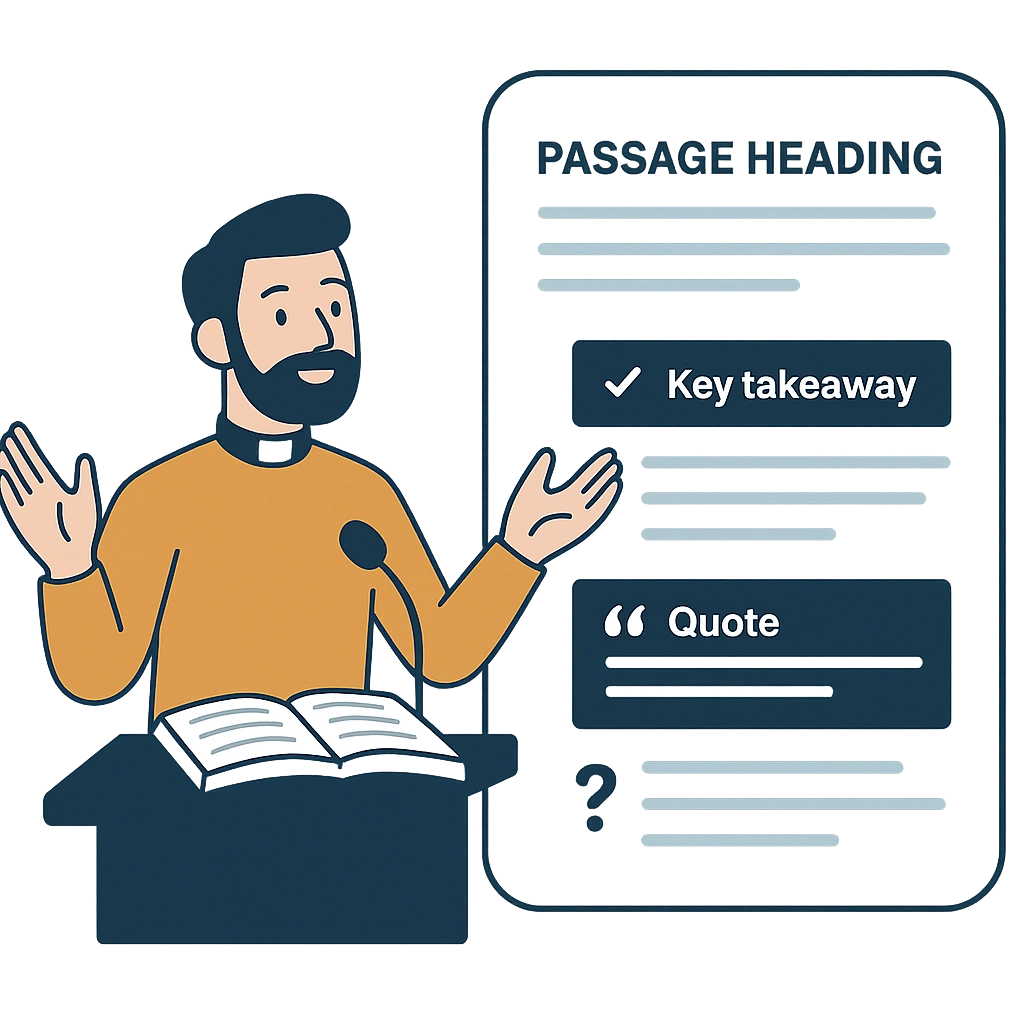
Readable sermons
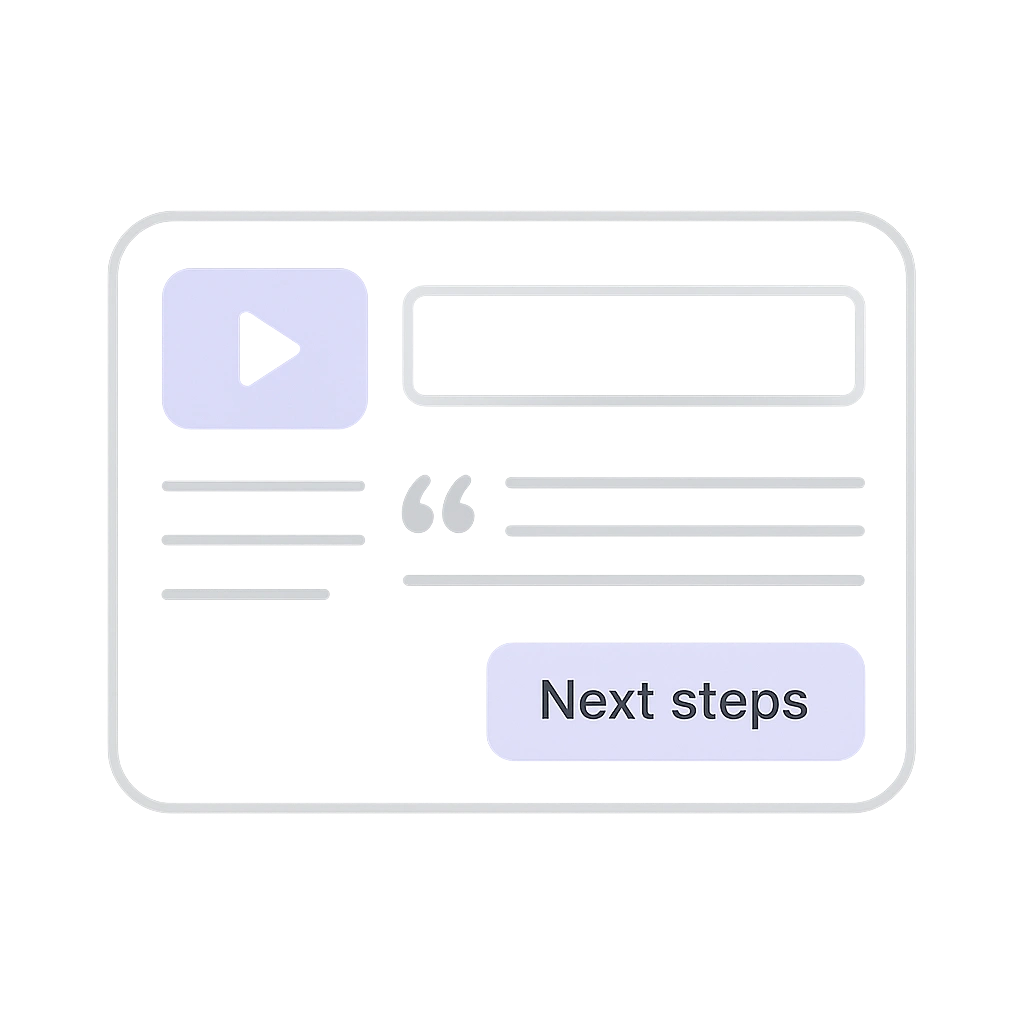
Video To Blog converts your recordings into mobile-friendly articles with passage headings, key takeaways, quotes, and discussion questions.
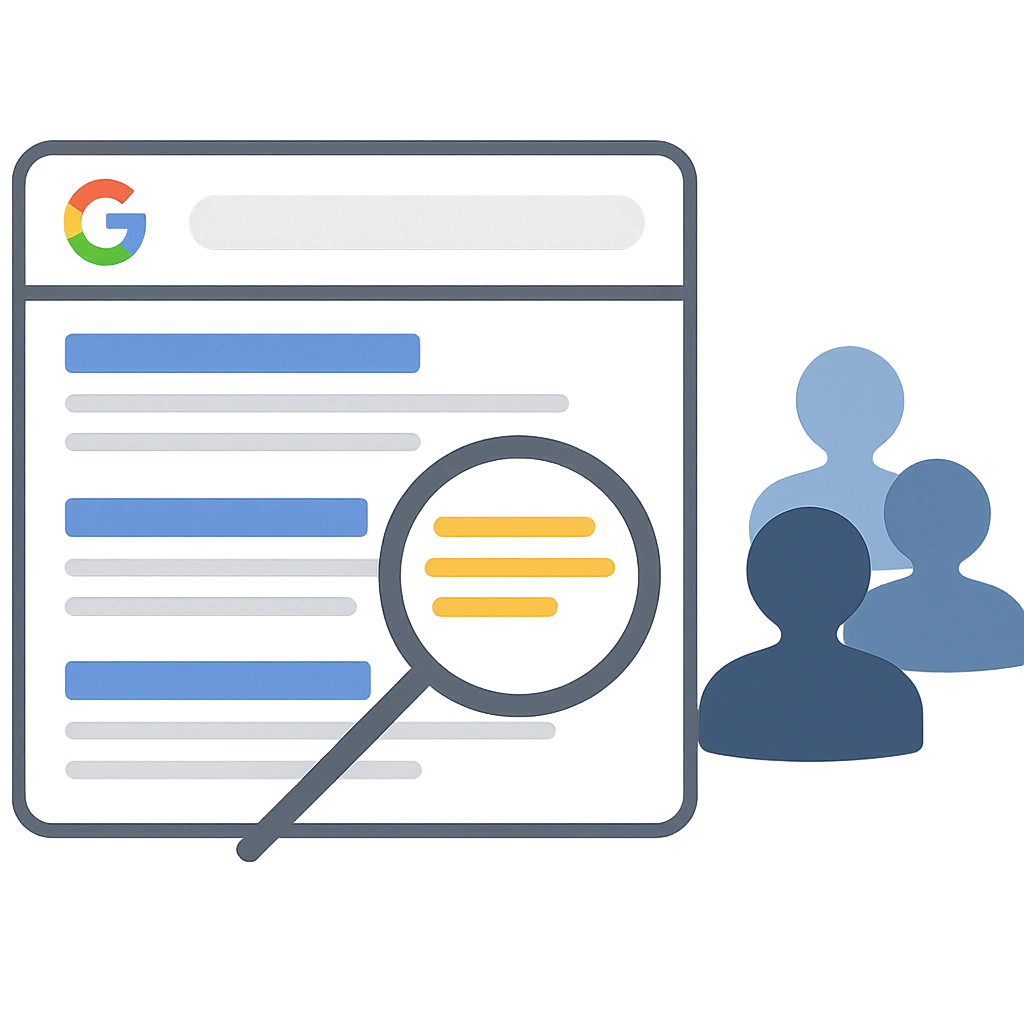
Search visibility
Posts are structured for SEO, targeting topics, passages, and felt-need keywords so people discover your messages on Google and revisit them anytime.
Fast publishing
Paste your livestream or video and get a polished draft with suggested title and meta, pull quotes, and next-steps sections. Review once and publish to your site.
Feature set
Automatically include screenshots from your sermons into your blog post in one click.
Automatically generate posts each time a sermon gets uploaded to your channel. Send directly to your website or publication.
Let our AI automatically find the best links to put in your blog post. These can be links to internal resources, Bible phrases, and much more.
By default the AI will try to match the same voice and tone as in the video. You can also customize the tone and style further by adding custom instructions and writing samples.
Publish directly to your website using one of our many integrations, download your posts as HTML or markdown, export as Word doc and PDF, or create your very own publication on Video To Blog.
Generate posts in any language you like regardless of the video's language.
Paste your sermon link from YouTube or upload the video and get an SEO-ready post in minutes, then review and publish.
No. Video To Blog creates readable articles with headings, key points, scripture references, and takeaways.
Your video leads, and you can review and adjust wording before publishing.
Yes. Minimal training is needed to review and publish.
Yes. Paste the link after the service.
Typically minutes per sermon, depending on length and audio quality.
Yes. Insert CTAs and links during review or in your CMS.
Yes, you can create folders to organize your posts by campus or ministry.
Yes. Our AI can automatically pick the best screenshots from your video to include or you can manually add screenshots and other images after generation.
Yes, you can generate posts in almost any language regardless of what language the video is in.
You can export blog posts directly to your website and create your own publication on Video To Blog and publish your post there with no external website required.
Enter a YouTube link or upload a video or audio file.