
Noel Philips690K Subscribers
Automatically transform every upload into a polished article that ranks on Google, reaches new audiences, and keeps working long after the video ends.
Proof from the market






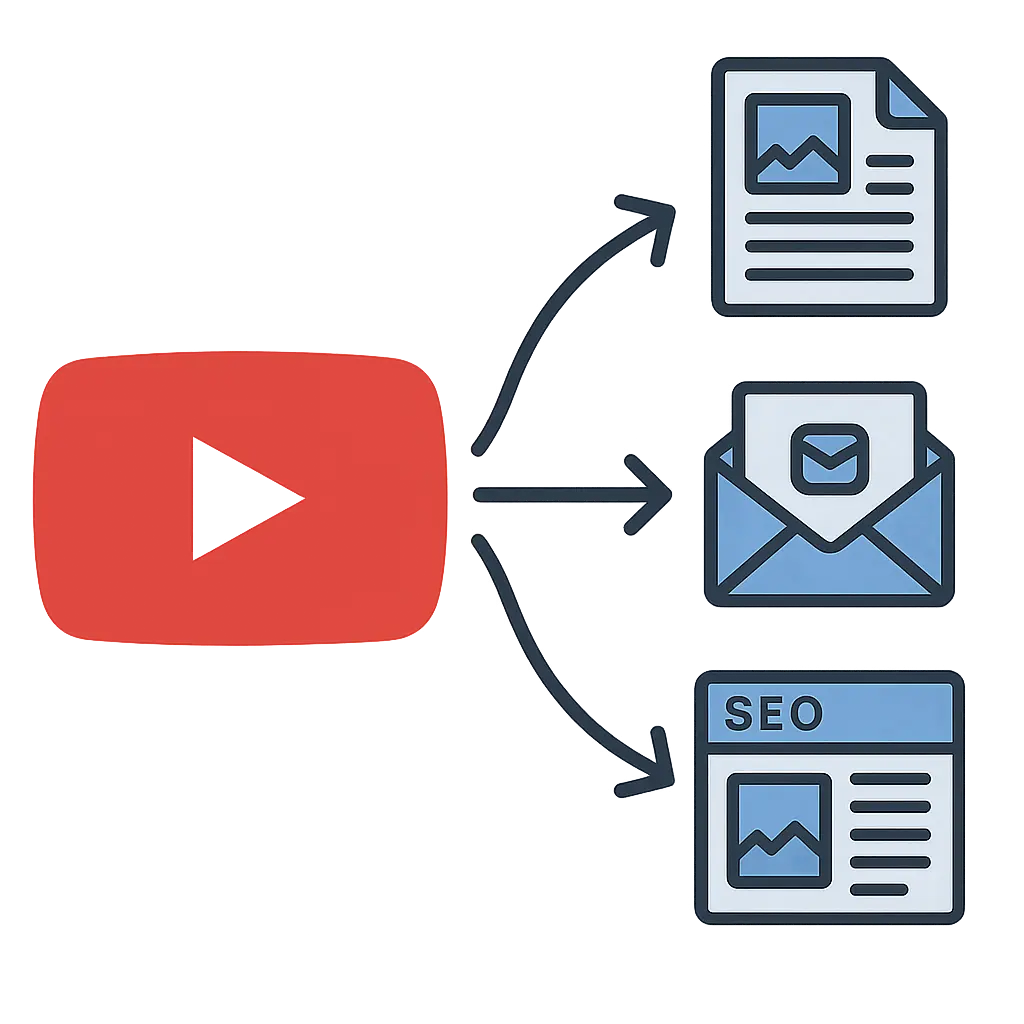
Search growth
Turn every upload into a search-friendly article that reaches audiences beyond YouTube. Rank for long-tail keywords, get discovered on Google, and bring new readers to your site and email list.
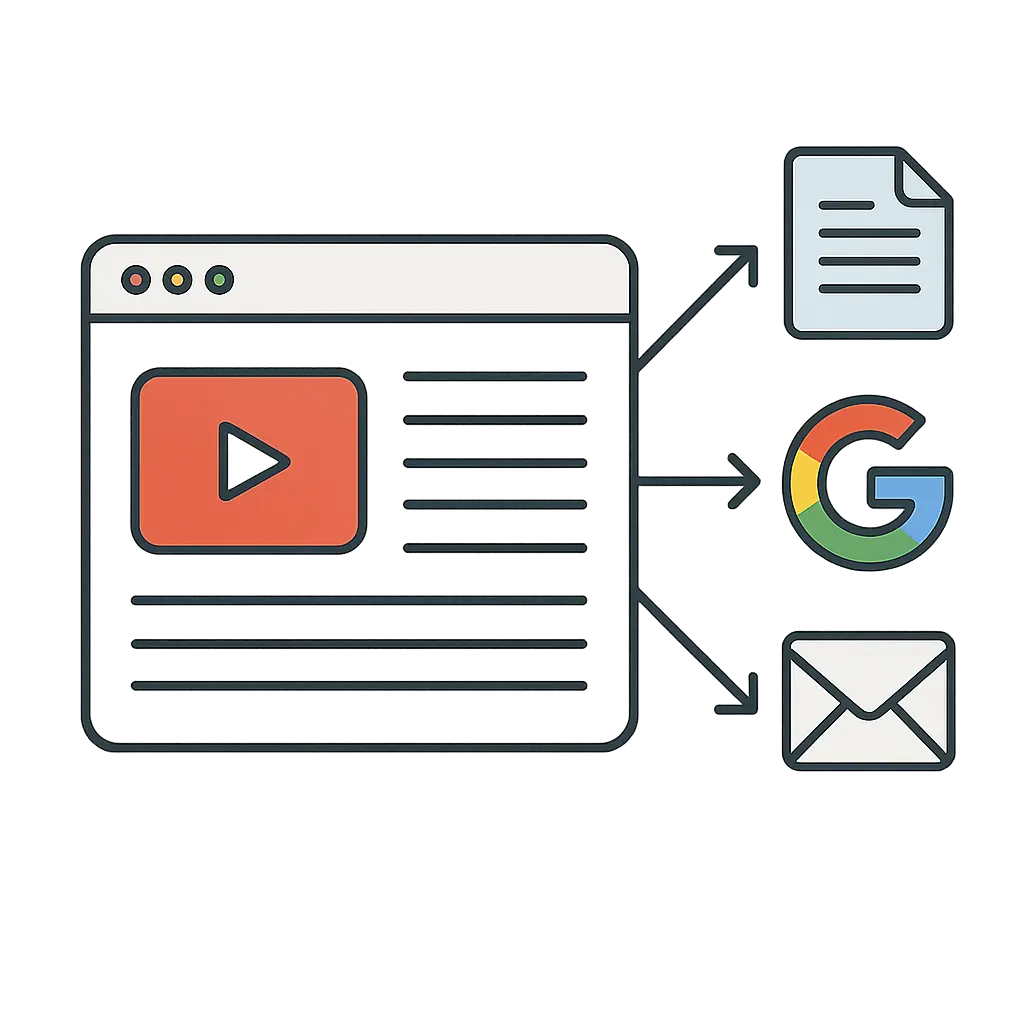
Audience ownership
Stop renting reach. Capture emails on your site, build a searchable archive, and reach fans directly with newsletters and first-party data with no algorithm gatekeepers.
New revenue
Diversify beyond ads: add affiliate links and gear lists, drive product and course sales with high-intent CTAs, and offer sponsor placements on evergreen pages you control.
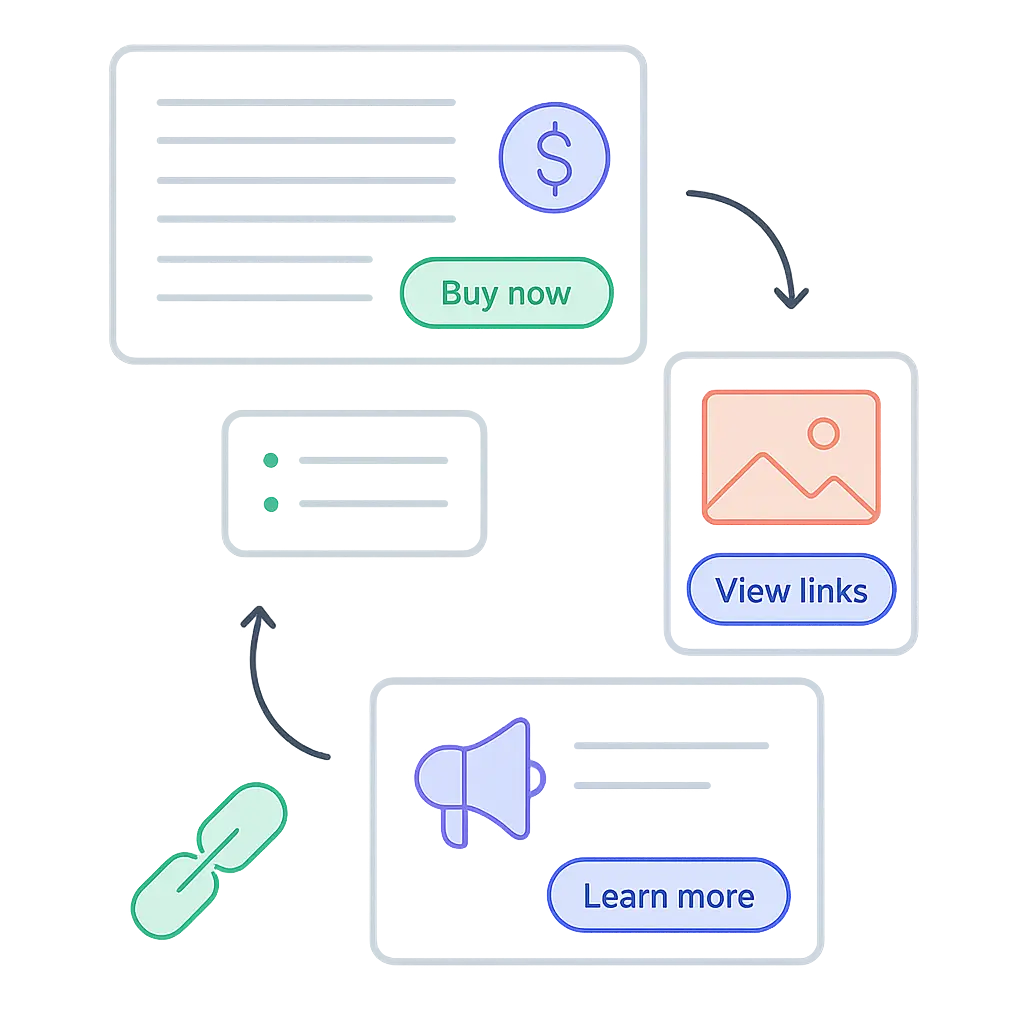
Feature set
Automatically include screenshots from your video into your blog post in one click. Great for tutorials, courses, or any video with a visual demonstration.
Automatically generate posts each time you upload a video on your channel. Send directly to your website or publication.
Let our AI automatically find the best links to put in your blog post. These can be affiliate links, internal links from your website, external links from outside sources, links from the video's description, and more.
By default the AI will try to match the same voice and tone as in the video. You also have the ability to customize the tone and style further by adding custom instructions, writing samples, and more.
Publish directly to your website using one of our many integrations, download your posts as HTML or markdown, export as Word doc and PDF, or create your very own publication on Video To Blog.
Generate posts in any language you like regardless of the video's language.
Yes. By default, the AI will try to match the same tone, voice, and personality that is in the video. We also offer other features to better control the voice and personality such as custom instructions and writing samples.
No. Paste your video link or upload a video and it will be transcribed by our system.
Yes. The AI can automatically add any links you specify or that are contained in the YouTube description or any websites you give it, but you can also add links anytime after the blog post is generated. We also offer the ability to create and insert beautiful CTAs that can link anywhere you would like.
Yes. We support videos up to 3 hours long.
Yes. There is an option to structure your blog post using the existing video's chapters.
Yes. Once your post is generated you have full ability to edit anything in the post just like you would with any document editor. You can also regenerate the post as many times as you need.
You can export blog posts directly to your website and create your very own publication on Video To Blog and publish your post there with no external website required.
Yes. You can specify a particular keyphrase for the post to optimize for and add custom instructions to specify multiple keywords.
Yes. You can connect multiple channels.
Enter a YouTube link or upload a video or audio file.