dog

Video To Blog logo

Video to Blog

FeaturesBlogPricing
The #1 Webinar to Blog Converter

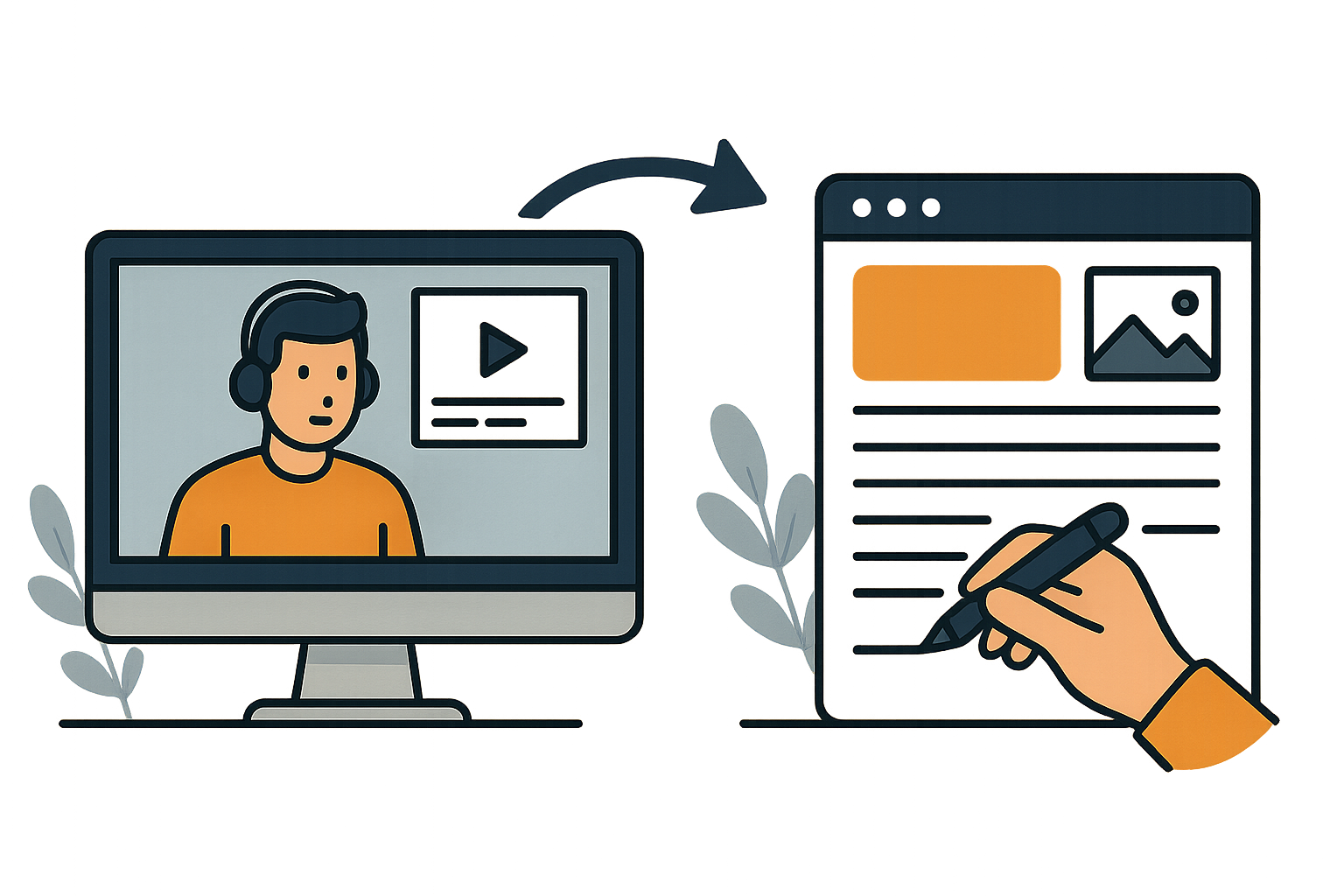
Instantly Convert Webinars into Blog Articles

Repurpose your webinars into high-quality, SEO-optimized articles in seconds.
or
No credit card required
Webinar being converted into a blog post article

Trusted by hundreds of professionals

Profile Picture
Noel Philips

690K Subscribers

Profile Picture
Excel Campus - Jon

668K Subscribers

Profile Picture
Luan Tech

515K Subscribers

Profile Picture
Travis Media

321K Subscribers

Profile Picture
Coach Bachmann

316K Subscribers

Profile Picture
Blog With Ben

258K Subscribers

Profile Picture
The Honeystead

240K Subscribers


Why Convert Webinars to Blog Articles?

Get to most out of your webinars by repurposing them into blog articles
Boost SEO
Turn every webinar into a keyword-rich article that ranks on Google. Drive consistent organic traffic and get discovered by people searching for the topics you already cover.
Expand your reach
Reach audiences beyond webinar. Share your repurposed articles on blogs, newsletters, and LinkedIn to engage readers who prefer written content.
Build Authority
Show up as the expert everywhere. Transform your webinar into evergreen written content that positions you as a thought leader in your niche.
Monetize
Add affiliate links, product mentions, and call-to-action banners that convert readers into buyers — all within your blog posts.
Diversify
Don’t rely on one platform. Turn your webinars into assets you fully control and distribute across multiple channels.
Own your audience
Grow an audience you truly own. Capture emails and build a newsletter from your blog posts.

How it works

Go from webinar to published article in 4 simple steps.

1. Upload your webinar

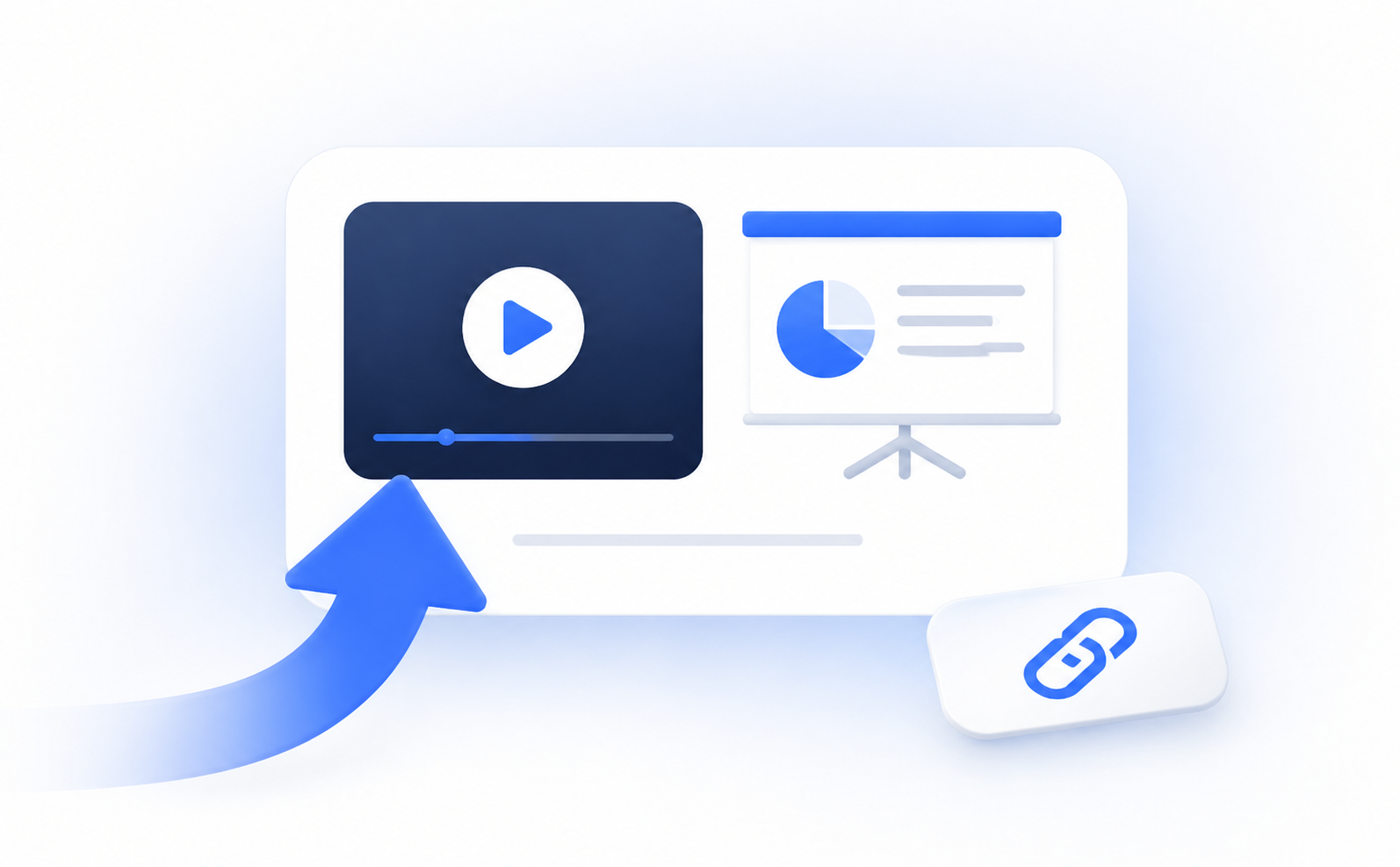
Simply upload an audio or video file of your webinar. You can also paste a link or set up an automation to auto import.

2. Customize & generate

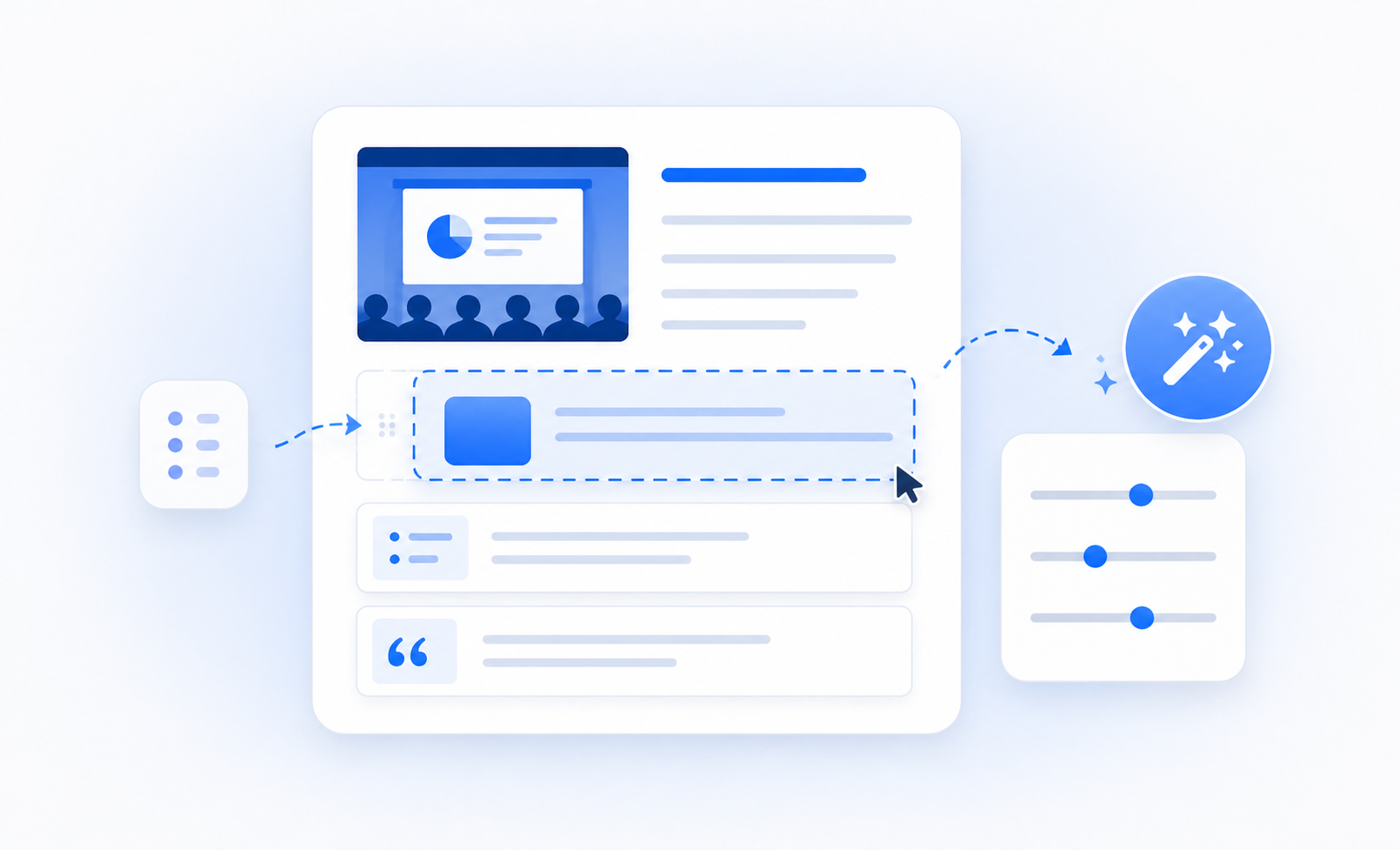
Customize how your blog article is generated. Add screenshots, add internal/external links, provide custom instructions, give writing examples, set the tone, and much more.

3. Refine

Take your article from draft to publish ready in minutes using our numberous built-in features like screenshot selector, advanced image editor, AI writer, SEO checker, humanizer, and more.

4. Publish

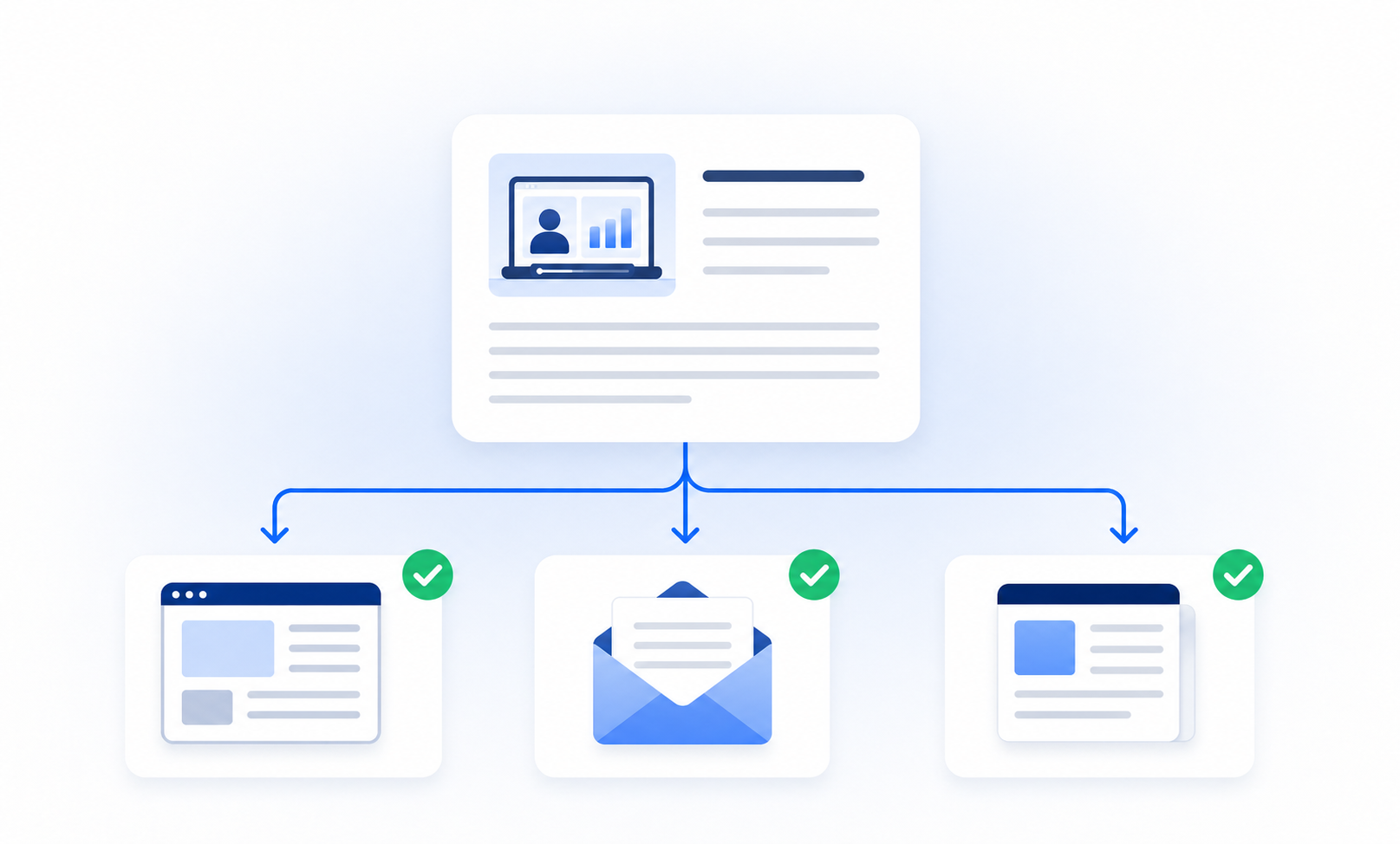
Export your blog post directly to your website using one of our many integrations, quickly share via a link, send as an email newsletter, and more.

Popular features for webinars

Smart Screenshots

Automatically include screenshots from your webinar into your blog post in one click. Great for tutorials, courses, or any video with a visual demonstration.

Automation

Automatically generate posts each time you upload a new webinar. Send directly to your website or publication.

Smart Links

Let our AI automatically find the best links to put in your blog post. These can be affiliate links, internal links from your website, external links from outside sources, links from the video's description, and more.

Tone/Voice Matching

By default the AI will try to match the same voice and tone as in the webinar. You also have the ability to customize the tone and style further by adding custom instructions, writing samples, and more.

Publish Anywhere

Publish directly to your website using one of our many integrations, download your posts as HTML or markdown, export as Word doc and PDF, or create your very own publication on Video To Blog.

Multi-Language

Generate posts in any language you like regardless of the video's language.


FAQs

How accurate are the AI-generated articles?
Our AI doesn’t just transcribe — it writes. It understands tone, structure, and context to produce natural, SEO-ready articles that sound like you. You can refine or regenerate any part instantly.
Can I customize the writing style?
Yes! Match your YouTube voice or choose a new one — professional, conversational, educational, or storytelling. Add short examples or instructions, and the AI adapts automatically.
Will it help my SEO?
Definitely. Each post is built with headings, metadata, and keyword-rich structure that boosts Google visibility and drives organic traffic to your site.
Can it include images or screenshots from my webinar?
Yes. Smart Screenshot automatically pulls visuals from your video or lets you select your own — perfect for tutorials, product demos, or courses.
Where can I publish my finished posts?
Export directly to WordPress, Webflow, Ghost, Notion, and other platforms or download as HTML, Markdown, Word, or PDF. You can also publish instantly on your Video To Blog publication.
What languages are supported?
You can generate posts in virtually any language — even if your video is in a different one. Perfect for creators with global audiences.

Try it now

Enter a YouTube link or upload a video or audio file

© Video To Blog 2026, All Rights Reserved