Boost SEO
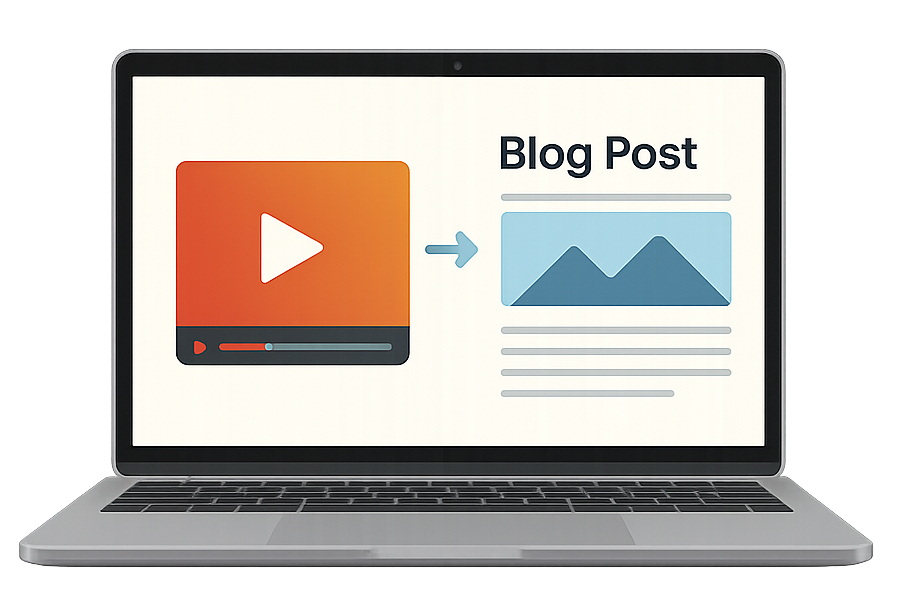
Turn every video into a keyword-rich article that ranks on Google and keeps generating discovery long after the upload.
Repurpose your YouTube content into high-quality, SEO-optimized articles in seconds. Save hours, grow your reach, and publish everywhere.
Why it matters
Turn every upload into a searchable, ownable content asset.
Turn every video into a keyword-rich article that ranks on Google and keeps generating discovery long after the upload.
Meet readers on blogs, newsletters, and LinkedIn in addition to YouTube so your ideas travel further.
Transform spoken insights into evergreen written content that reinforces your expertise in your niche.
Add affiliate links, CTAs, and offers directly inside posts that readers can revisit any time.
Create assets you control across multiple channels instead of relying on a single algorithm.
Capture emails, build a searchable archive, and grow an audience you can reach directly.
YouTube workflow
Go from video to published article in 4 simple steps
Step 1
Drop in any public or unlisted YouTube video. You can also connect a channel, upload files, or automate the workflow.

Step 2
Add screenshots, smart links, custom instructions, writing samples, tone settings, and more before generation.
Step 3
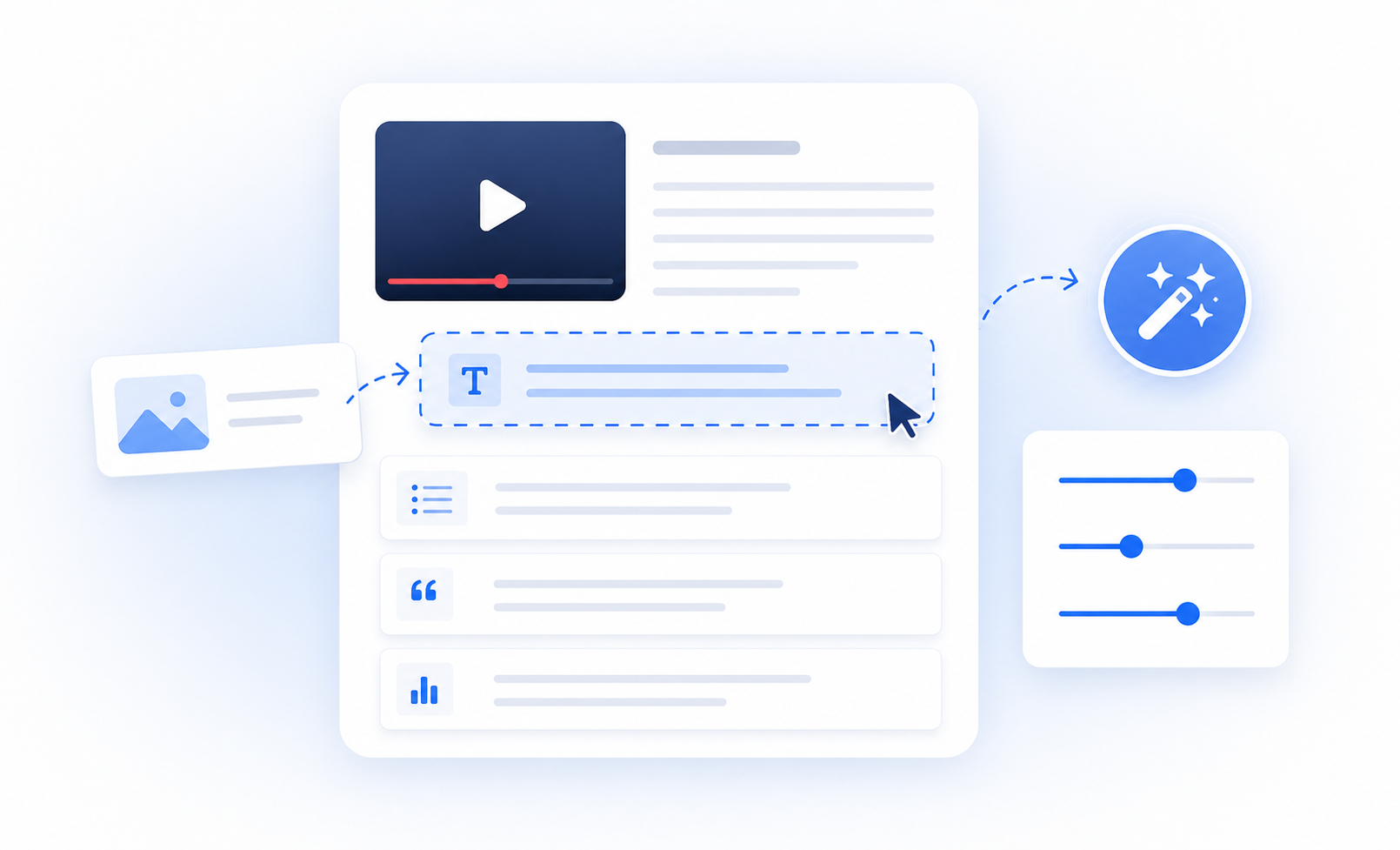
Use the editor, screenshot tools, SEO checks, humanizer, and AI writer to move from first draft to publish-ready fast.

Step 4
Export directly to your site, share by link, send as an email newsletter, or publish on a Video To Blog publication.

Proof from the market







Feature set
Automatically include screenshots from your video in one click. Great for tutorials, courses, and walkthroughs.
Automatically generate posts whenever a new video lands on your channel.
Let AI find the best internal, external, affiliate, and description links for the article.
Match the tone of the speaker in the video and refine it further with instructions or writing samples.
Publish directly to your website, export as HTML or Markdown, or create your own publication on Video To Blog.
Generate posts in almost any language, regardless of the language used in the video.
The system does more than transcribe. It rewrites the content into a natural, structured article that you can refine or regenerate instantly.
Yes. You can match your current voice or choose a different one with custom instructions, examples, and writing samples.
Yes. Posts are structured with headings, metadata, and keyword-aware organization to help improve discoverability.
Yes. Smart Screenshot can automatically pull visuals from the video or let you choose them manually.
You can export to major CMS platforms, download the content, or publish it on your Video To Blog publication.
You can generate posts in virtually any language, even if the original video is in another one.
Enter a YouTube link or upload a video or audio file.