YouTube Thumbnail and Title Workflow: How to Produce More Content With Less Stress

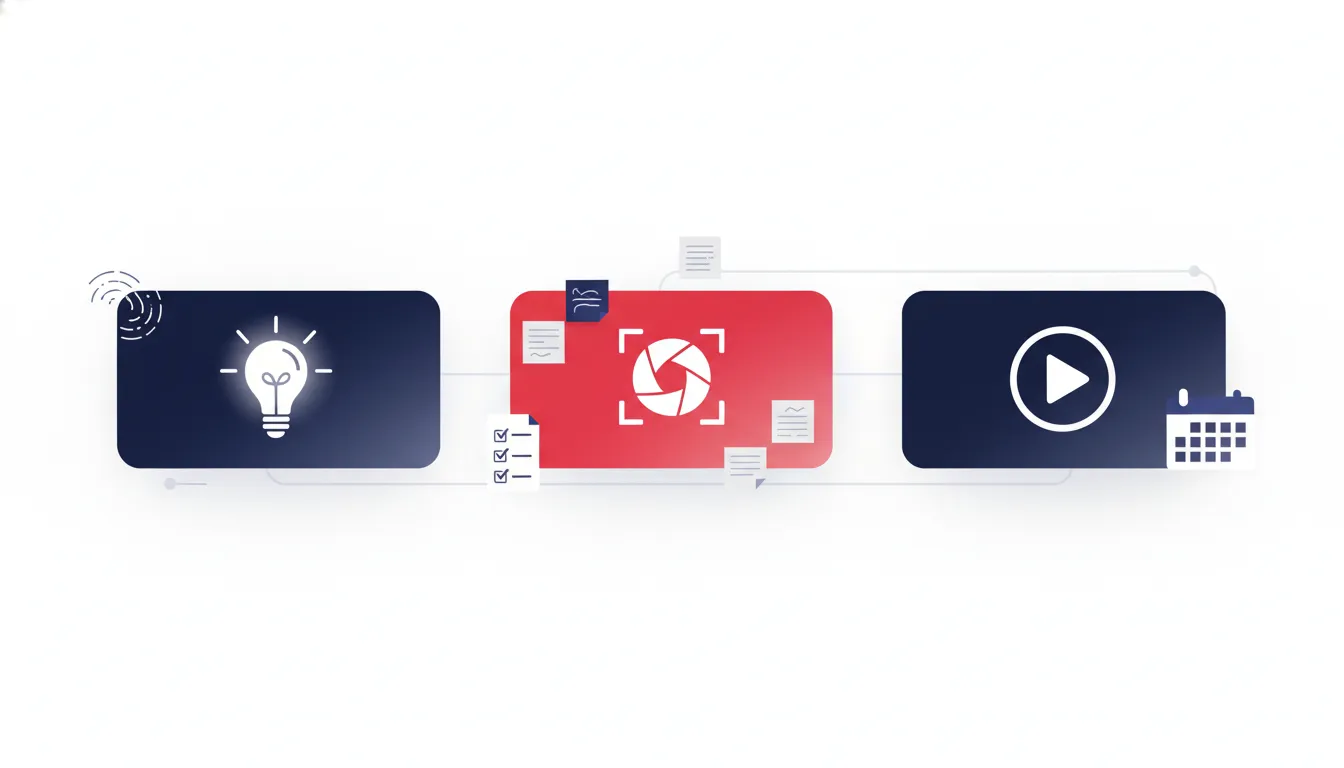
If you post consistently, you already know the truth: publishing is only the final step. The real bottleneck is usually packaging (titles, thumbnails, and video descriptions) and the mental friction required to keep generating ideas, choosing angles, and executing quickly.
This guide explains a practical workflow to speed up YouTube packaging without sacrificing quality. You will also find concrete templates for thumbnail concepts, a repeatable process for title testing, and ways to organize ideation so ideas do not get lost between meetings, notes, and late nights.
Why titles and thumbnails are the biggest lever for growth
For most channels, packaging influences two critical outcomes:
- Click-through rate (CTR): Your thumbnail and title determine whether the audience stops scrolling.
- Audience satisfaction: The title sets expectations for the video content. Mismatch can lower retention and performance.
When packaging is slow or inconsistent, the channel pays in time and in performance. A faster workflow makes your output more consistent and your testing more systematic.
Build a packaging workflow you can repeat every time
A repeatable workflow reduces decision fatigue. Instead of starting from scratch, you generate options within a defined system.
Step 1: Start with a “one sentence” video promise
Before thumbnails exist, define what the viewer gets. Use this format:
“In this video, you will learn how to ____ so that you can ____.”
If you cannot fill both blanks clearly, packaging will feel impossible. This sentence becomes the anchor for both the title and thumbnail.
Step 2: Translate the promise into 8 to 12 angle keywords
Packaging works best when it is angle-first. Turn the promise into keywords that represent the viewer benefit.
- Outcome: “increase,” “fix,” “upgrade,” “save,” “build”
- Audience: “for beginners,” “for busy people,” “for creators,” “for gamers”
- Mechanism: “step-by-step,” “inside the process,” “the framework,” “checklist”
- Specificity: “in 10 minutes,” “before you launch,” “2026 edition”
Your goal is variety. Do not generate five near-identical angles. Generate angles that lead to different thumbnail themes.
Step 3: Create thumbnail concept cards
Thumbnail creation is easiest when it starts as a concept, not a design file. Make concept cards that you can iterate quickly.
Thumbnail concept card (copy this template):
- Concept name: (example: “Myth vs Reality”)
- Main visual: (example: shocked face + “myth” stamp)
- On-thumbnail text: (example: “STOP DOING THIS”)
- Color cues: (example: red text, bright background)
- Emotion: (example: urgency, surprise)
- Promise alignment: (how it matches the one sentence promise)
After you make concept cards, you can generate real designs quickly because you already solved the creative direction.
Step 4: Generate multiple title drafts from the same core promise
Create title options that reflect different styles. For each style, write one title that stays faithful to the promise.
- How-to: “How to ____ (without ____).”
- Challenge: “I tried ____ for 30 days. Here’s what happened.”
- Myth: “Everyone says ____ is the best. It isn’t.”
- Results: “I improved ____ by ____ using ____.”
- Framework: “The ____ framework for ____.”
Then assign each title a matching thumbnail concept card. Packaging should be cohesive, not assembled.
A fast ideation hub: keep ideas from disappearing
Many channels lose momentum because ideas live in too many places: personal notes, phone screenshots, sticky notes, random docs, or multiple unfinished drafts.
An “ideation hub” solves this by centralizing everything and making it easy to pull the next packaging tasks into your workflow.
What to track in an ideation hub
- Idea: a short description of the video concept
- Core promise: one sentence promise
- Angle keywords: 8 to 12 keyword tags
- Trend signals: why this should work now
- Thumbnail directions: 2 to 3 concept card names
- Priority: low, medium, high
- Status: idea, in production, packaging draft, scheduled
Even a simple board works if it is consistent. The important part is that ideas become packaging-ready entries, not just inspiration.
Thumbnail strategies that reduce creative blank-page time
If thumbnail writing feels like the hardest part, the issue is usually starting too late. Use these strategies to create thumbnails systematically.
Use a “thumbnail formula” instead of pure creativity
Pick a formula per video style and reuse it with different content.
- Contrast formula: “Before vs After” + one specific metric
- Decision formula: “Do this or do that” + split layout
- Myth formula: bold myth statement + small correct alternative cue
- Outcome formula: large outcome text + supporting image or prop
- Process formula: 3-step visual cues + short text per step
Match thumbnail text to viewer scanning behavior
Thumbnail text should be readable at a glance. For most channels:
- Use 2 to 5 words if the design includes a face or busy visuals.
- If the design is simple, you can extend slightly, but keep it punchy.
- Avoid full sentences that require attention to decode.
Align thumbnail emotion with the title promise
A common performance killer is packaging that signals one thing while the video delivers something else. Before exporting the thumbnail, check:
- Does the thumbnail emotion match the title style? (urgency, curiosity, shock, calm confidence)
- Does the text or visual hint at the actual mechanism? (how it works, what changed, what to do next)
- Does the thumbnail avoid generic filler? (it should not just be “clickbait words” that do not connect)
How to pick which thumbnail to test first
You do not need 20 thumbnails per video. You need a smart starting point so you can learn quickly.
A simple testing shortlist
- Create 3 thumbnail options that follow distinct formulas.
- Pick the one best match for the promise sentence.
- Pick the one highest-curiosity option for CTR potential.
- Pick the one clearest option for audience understanding.
This gives you a useful range without wasting time.
When to iterate again
If a thumbnail is not performing, it is not always “bad design.” It could be:
- The title and thumbnail are not aligned.
- The video topic is too broad for the packaging angle.
- The thumbnail is competing with many similar styles in the same browse shelf.
Fix the mismatch first, then iterate design.
Scaling output when you are posting frequently
Channels with high upload volume often suffer from a hidden issue: packaging becomes reactive. The solution is batching and schedule discipline.
Batch packaging tasks
- Batch titles: write all title drafts for a set of videos at once.
- Batch concepts: generate thumbnail concept cards for the same set.
- Batch designs: turn the final concept cards into thumbnail files in one sitting.
- Batch QC: check readability, alignment, and export quality consistently.
Keep a “ready-to-use” thumbnail library
Create reusable elements that do not change each time:
- Brand colors and consistent outline style
- Common label shapes (“Step 1”, “Myth”, “Before”) as templates
- Placement rules for text and face
This speeds up production while maintaining visual consistency across uploads.
Common mistakes that make thumbnails and titles harder than they need to be
1) Starting packaging before the video promise is clear
If you only know what the video is about, not what the viewer will achieve, thumbnails feel impossible. Write the one sentence promise first.
2) Generating options that do not differ in angle
Two thumbnails that both say “Here’s the secret” will not teach you anything. Your options must change angle, not just wording.
3) Misalignment between title promise and thumbnail signals
If the title promises “step-by-step,” the thumbnail should not suggest “quick tip montage.” Align structure and emotion.
4) Waiting too long to iterate
If you delay thumbnail updates, you lose learning time. Use a schedule for reassessment instead of reacting emotionally.
FAQs
How many thumbnail concepts should I create per video?
Most channels benefit from 3 to 5 concepts. If you create only one, you cannot compare angles. If you create too many, you slow down execution.
What is the fastest way to get better at thumbnails?
Improve the process, not just the design. Start with concept cards, use a thumbnail formula, and run a small testing shortlist instead of reinventing ideas every time.
How do I write better titles without clickbait?
Use the one sentence promise and make sure the title reflects the actual mechanism in the video. Replace vague curiosity with specific outcomes, audience fit, or a clear framework.
What if I get stuck generating ideas for packaging?
Use an ideation hub to store past angles and thumbnail formulas. Then create angle keyword tags from the promise sentence. When stuck, switch formulas: myth, contrast, process, outcomes.
Takeaway: make packaging a system, not a scramble
The fastest creators do not necessarily have more talent. They have a clearer workflow. When you define a one sentence promise, generate angle keywords, build thumbnail concept cards, and batch execution, packaging becomes easier to start and faster to finish.
If you want more consistency, focus on building an ideation hub and a repeatable packaging routine. Over time, your titles and thumbnails will improve because the process is designed to generate useful options, not perfect guesses.


