How to Title and Thumbnail a YouTube Channel at Scale (Without Burning Out)

Mar 26, 2026 • 6 min read
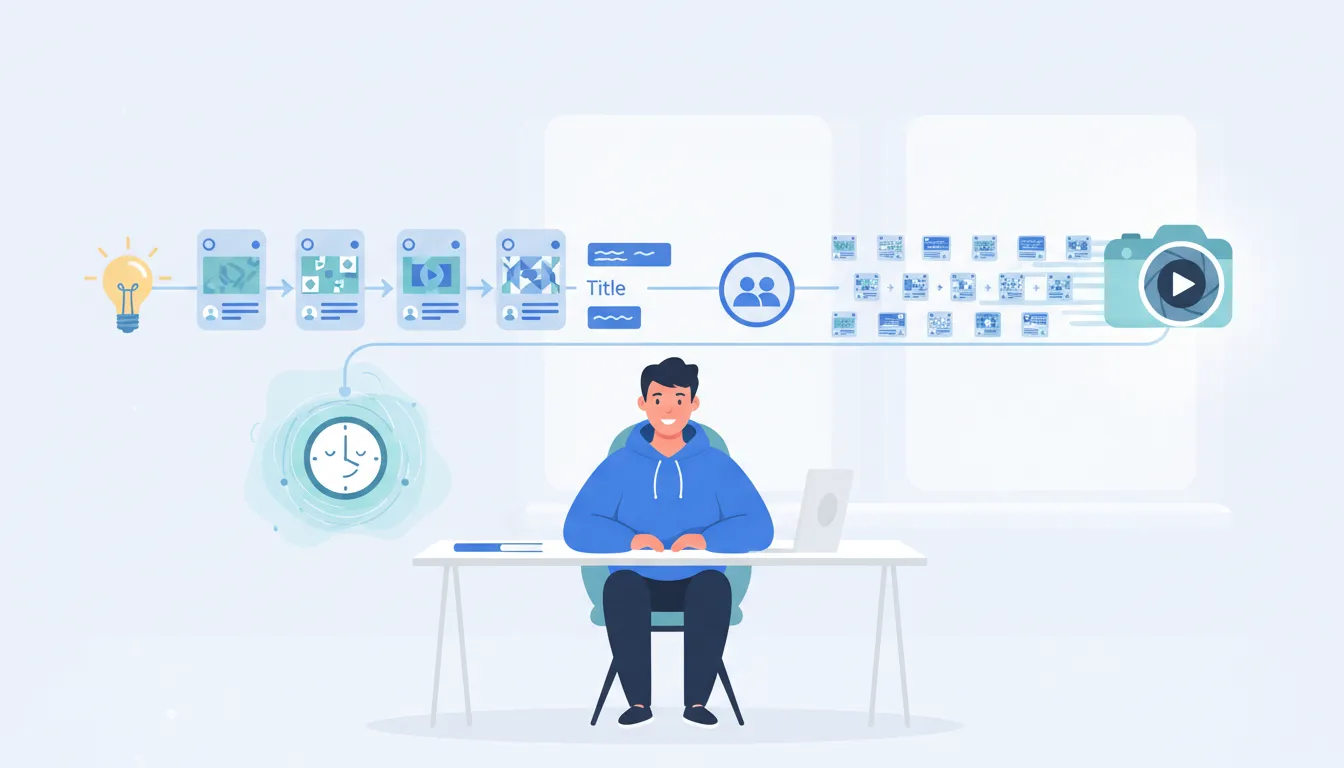
For many creators, the hardest part of YouTube is not filming. It is packaging: titles that earn clicks and thumbnails that earn retention. When publishing often, that work can become exhausting and inconsistent. This guide shows how to build a repeatable system for ideation, title writing, thumbnail creation, and team collaboration so you can ship more content with better results.
Why titles and thumbnails get harder as you upload more
When you publish occasionally, it is easy to spend time polishing. When you publish frequently, you face new bottlenecks:
- Decision fatigue: Every upload demands fresh creativity under time pressure.
- Inconsistent quality: Different days, different moods, different output.
- Fragmented inspiration: Ideas live in scattered places (notes, messages, spreadsheets, whiteboards), so they are hard to reuse.
- Team misalignment: People working on the same content can have different interpretations of the video’s “promise.”
A scalable process reduces uncertainty and makes creative work more repeatable.
What “packaging at scale” really means
Packaging at scale is not about making everything look identical. It is about having a system that supports creativity while keeping output consistent:
- Clear inputs: A short brief that defines the video’s angle, audience, and outcome.
- Fast ideation: A way to generate multiple title and thumbnail concepts quickly.
- Defined selection criteria: A checklist that helps you choose the best option, not just the “first good” one.
- Reusable frameworks: Proven title and thumbnail patterns that fit your niche.
- Central hub for work: One place to store ideas, drafts, and decisions so the team can move faster.
Step 1: Start with a “video promise” brief (before writing titles)
Most thumbnail and title problems come from an unclear promise. Before crafting packaging, capture three things:
- Target viewer: Who is this for?
- Core outcome: What will they learn, see, or feel?
- Distinct angle: What makes this version different from similar videos?
Keep it short. If you cannot summarize the promise in a few sentences, packaging will struggle because the audience does not know what they are clicking for.
Quick template (copy and reuse)
Video Promise: This helps [audience] achieve [outcome] by using [distinct approach].
Key moments: List 3 scenes or beats that represent the video’s value.
Thumbnail constraint: What must be visible for it to make sense at 1 second and on mobile?
Step 2: Generate 10 title ideas using structured patterns
When creativity feels stuck, it usually means you are trying to invent from scratch. Instead, use repeatable title patterns that fit your niche and content style.
High-performing title patterns to test
- How-to: “How to [achieve outcome] without [common pain]”
- Myth vs reality: “[Common belief] is wrong: Here’s what actually happens”
- Experiment: “I tried [thing] for [time] so you don’t have to”
- Ranking: “The best [tool/strategy] for [audience] (and why)”
- Case study: “What happened when I [action] in [scenario]”
- Time-based: “[Number] days/weeks of [journey] in [niche]”
Title quality checklist
- Specific: It tells people what the video is about.
- Outcome-oriented: It hints at the payoff.
- Emotion or stakes: Curiosity, tension, or transformation is clear.
- No vague filler: Avoid generic phrases like “Insane” unless paired with a concrete detail.
- Mobile readable: Front-load key words so they survive truncated display.
Generate multiple options, then pick one based on the checklist. Avoid choosing the first idea that feels good.
Step 3: Build thumbnails around a single visual idea
Thumbnail creation becomes painful when it tries to solve too many problems at once. A reliable approach is to define the thumbnail as one dominant message:
- One emotion: Surprise, urgency, confusion, relief, excitement.
- One main subject: Face, object, screen, chart, or scene.
- One readable message: A few words or one short concept.
Thumbnail concept workflow
- Select a representative moment: Pick the frame that best shows the outcome or key conflict.
- Translate the title promise into a visual: If the title says “Here’s what actually works,” the thumbnail must imply proof or revelation.
- Add contrast and clarity: High contrast backgrounds, bold text, and thick outlines help on mobile.
- Keep text minimal: Aim for a short phrase that can be read instantly.
- Check composition: Subject size should be large enough that the idea survives cropping.
Thumbnail text: how to avoid unreadable clutter
Creators often feel “stuck” on thumbnails because the video is clear, but the thumbnail message is not. A good fix is to treat text like a label, not a sentence.
Use:
- 2 to 5 words (or one short concept)
- Concrete nouns and action verbs
- High-contrast typography
Avoid:
- Long explanations
- Multiple competing phrases
- Text that depends on tiny details in the background
How to streamline packaging with a “home base” system
If your ideas and drafts are scattered, you will lose time and consistency. A scalable workflow centralizes everything so the team can iterate quickly.
A practical hub should include
- Idea backlog: Saved concepts categorized by topic and audience.
- Trend notes and outliers: What worked recently, plus unusual angles worth testing.
- Title drafts: Version history or at least 3 to 10 options per video.
- Thumbnail concepts: Sketches or references for the preferred visual direction.
- Decision logs: Why a particular title and thumbnail were chosen.
This reduces “re-inventing” and turns creative work into a reusable asset.
Collaborating as a team: roles, handoffs, and quality control
Packaging breaks down when responsibilities are unclear. Assign roles by output, not by time.
Suggested roles for a packaging workflow
- Brief owner: Defines audience, promise, and key moments.
- Ideation specialist (or tool-assisted writer): Generates title and thumbnail directions.
- Designer: Produces thumbnail drafts with consistent templates and style rules.
- Editor/producer: Verifies that thumbnail frames match the actual video moments.
- Final approver: Uses the checklist to select the best option.
Quality control checkpoints
- Promise check: Does the thumbnail match what the title promises?
- Instant legibility check: Can someone understand it in under 1 second?
- Uniqueness check: Does it stand apart from similar videos in your niche?
- Consistency check: Does it fit your channel’s visual identity?
When you have no good thumbnail: a fast rescue method
Thumbnail “blankness” is common. The issue is rarely the video content. It is often that you are trying to create a thumbnail without a clear visual translation of the promise.
Use this 5-minute rescue approach
- Write one sentence: “This video proves that ____.”
- Pick a visual proof type: Options include reaction face, before/after, chart, checklist, timer, or “you vs. problem” contrast.
- Choose one object: Make one element the hero (a face, an icon, a product, or a key scene).
- Generate 3 text options: Keep them short and outcome-based.
- Make one draft fast: Do not iterate endlessly. Create a single strong concept, then refine.
If you can clearly fill the blank in step 1, packaging usually becomes much easier.
Pitfalls that slow down packaging (and how to avoid them)
- Over-designing: Too many effects and tiny elements reduce clarity. Prioritize readability and contrast.
- Mismatch between title and thumbnail: Audiences click and then bounce if the promise is unclear. Align them tightly.
- No reuse of what works: If every thumbnail is “from scratch,” you will burn time. Build a library of templates and patterns.
- Decision without criteria: “I like it” is not a system. Use a consistent checklist.
- Missing collaboration visibility: If multiple people work on the same concepts in parallel without a shared hub, you will duplicate effort.
Example workflow for publishing often (practical schedule)
Here is a lightweight schedule that works for creators and small teams:
- Day 0 (after editing): Capture 3 to 5 potential thumbnail frames and write the video promise brief.
- Day 1 (ideation): Generate 10 title options and 5 thumbnail directions. Store everything in your hub.
- Day 2 (design): Produce 3 thumbnail drafts and align each to the strongest title options.
- Day 3 (selection): Approve one title and one thumbnail using the checklist.
- After upload: Track performance and save learnings for future packaging iterations.
This keeps creative output moving while still leaving room for improvements.
Key takeaways
- Packaging scales when you define a clear video promise before writing titles.
- Use structured title patterns to generate multiple options quickly.
- Thumbnails should have one dominant visual message with minimal, readable text.
- A central hub for ideas, drafts, and decisions prevents duplicated effort and inconsistency.
- Rescue stuck thumbnails with a simple “proof” sentence and a proof-style visual.
If titles and thumbnails feel exhausting, the answer is usually not working harder. It is switching to a system that reduces uncertainty, speeds ideation, and preserves creative quality even when publishing frequently.


