5 AI Tools Every YouTuber Needs in 2026

Making a single YouTube video can feel ridiculous when you stop and list out the jobs involved. You are doing research, writing, packaging, repurposing, and analytics, all before you even get to the part that actually feels creative.
That is the real problem. It is not usually the ideas that burn people out. It is the repetitive admin work around the ideas. The good news is that a handful of AI tools can take care of a big chunk of that boring 80 percent, while still leaving the taste, judgment, and personality in your hands.
Here are five tools that each solve one specific bottleneck in the YouTube workflow: NotebookLM, Subscribr, Taja AI, Opus Clip, and VidIQ.
The real reason YouTube takes forever
A lot of creators think they have a time management problem. Usually, they have a workflow problem.
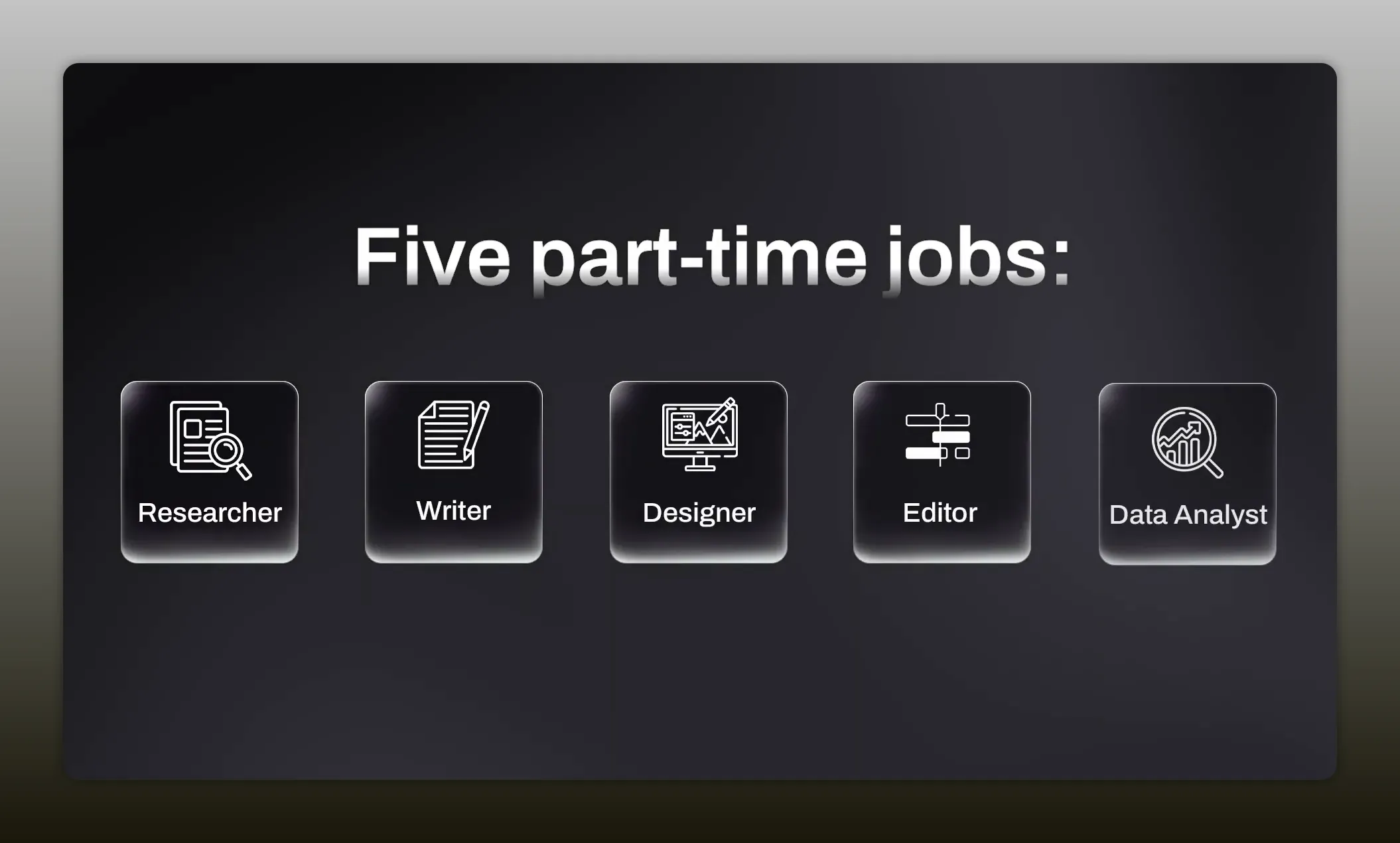
One video quietly turns into five part time jobs:
- Researcher
- Writer
- Thumbnail and title strategist
- Editor and repurposer
- Data analyst
The issue is not that every step matters. It does. The issue is that most of those steps are repetitive, draining, and easy to procrastinate on. AI is useful here not because it replaces creativity, but because it clears away the clutter so you can spend more time on the parts that only you can do well.
1. Use NotebookLM to turn messy research into a usable angle
The first headache is research.
You start with a decent idea, then suddenly you have fourteen tabs open, a few PDFs, maybe a Reddit thread, maybe a competitor video, and no clean way to turn all of that into a focused argument.
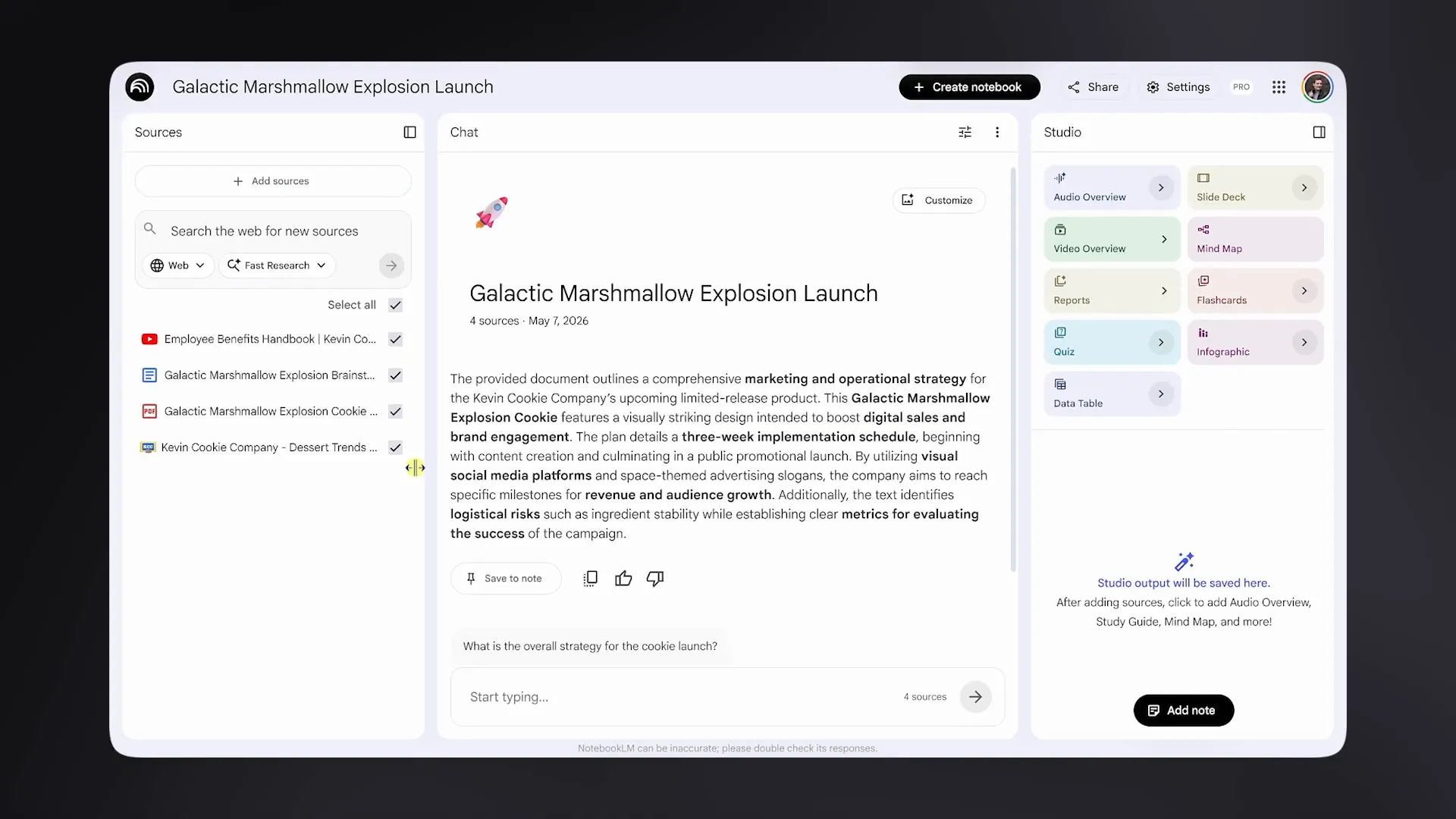
NotebookLM is built for exactly this kind of chaos. You can drop in source material like articles, PDFs, and even YouTube links, and it will process the content so you can ask questions against your own research set.
That alone is helpful, but the bigger advantage is that it points answers back to the original source. That matters because it keeps you grounded in actual material instead of drifting into confident nonsense.
How to use it well
Most people ask basic questions like:
- What are the strongest arguments across these sources?
- What surprising facts or stats stand out?
- What themes keep showing up?
That is useful, but the smarter move is to ask where the sources disagree.
When you ask for contradictions, tension points, or unresolved debates, you often uncover the most interesting angle for the video. That friction is usually where freshness lives. If every source says the same thing, you probably do not have much of a story yet.
With the right prompts, research that would normally eat half a day can get compressed into something much more manageable.
Best use case for NotebookLM
This tool is especially strong when your topic is information heavy:
- Explainers
- Commentary backed by articles or studies
- Educational videos
- Trend breakdowns with multiple sources
If your problem is not ideas but information overload, this is the one to try first.
2. Use Subscribr to get past the blank page faster
The second headache is the blank page.
You did the research. You know what the video is about. But turning that pile of thoughts into a script that sounds natural, keeps momentum, and still feels like you is where the real slowdown starts.
Generic chat tools can help with a rough draft, but Subscribr is designed specifically around YouTube scripting. The standout feature is that it can learn your voice if you feed it a few of your old scripts.
That matters because most AI writing sounds clean but lifeless. It sounds like a robot trying very hard to be agreeable. A tool trained on your previous material has a better shot at producing something closer to your rhythm, your phrasing, and your pacing.
What it can help with
- Hook variations
- Overall script structure
- Faster first drafts
- Finding points where retention may dip
That last one is especially useful. If the tool can flag sections where attention may start to drift, you can tighten those moments before they become a problem.
The rule that keeps AI scripts from sounding fake
Do not treat the first draft as finished copy.
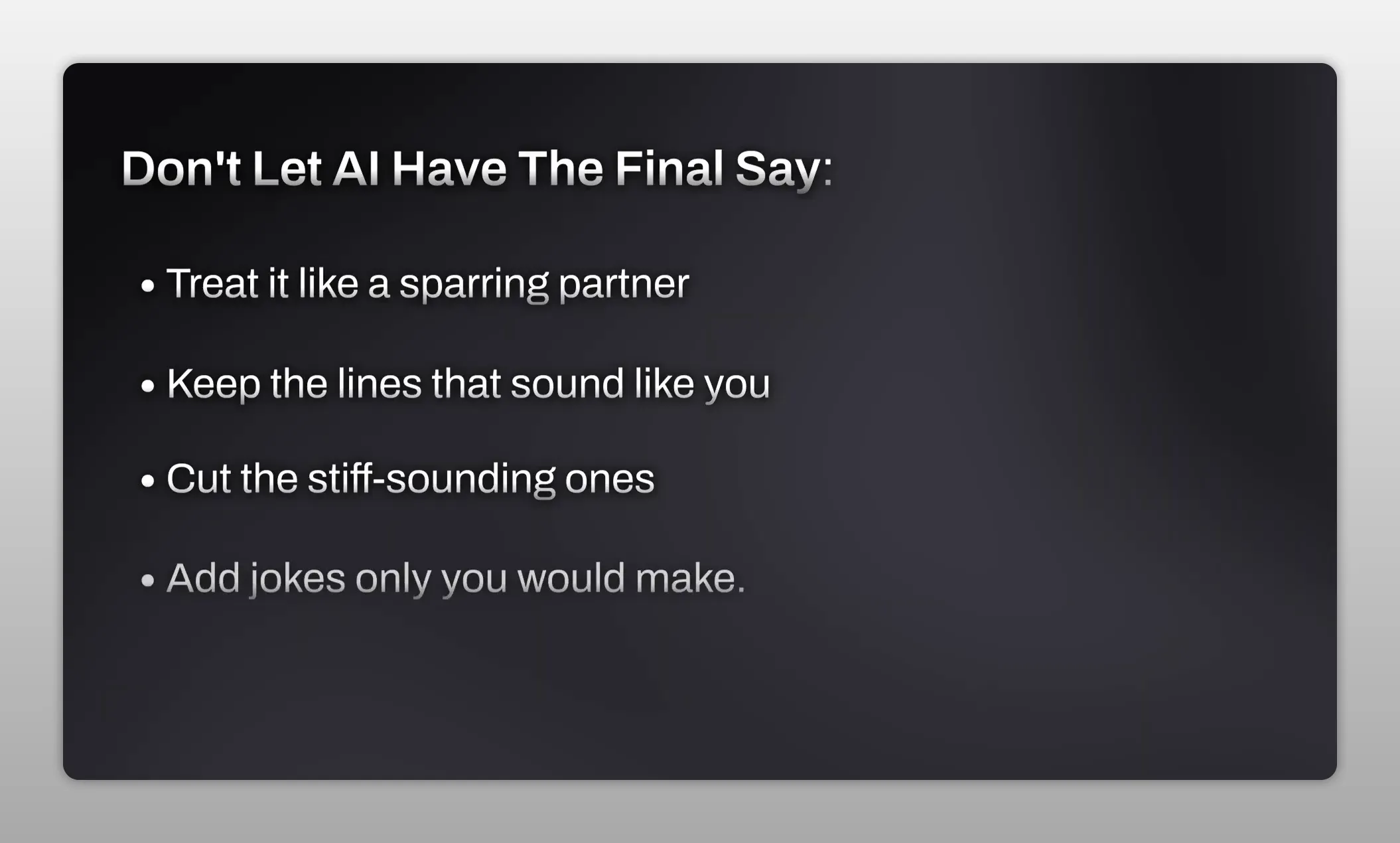
Treat it like a sparring partner.
That means:
- Keep the lines that genuinely sound like something you would say
- Delete anything stiff or overly polished
- Add your own jokes, examples, and transitions
- Rewrite until the script sounds like a person, not a system
The real win here is not that Subscribr writes the final script for you. It gets you to a real draft in one sitting instead of forcing you to wrestle with the opening sentence for an hour.
3. Use Taja AI to handle titles, descriptions, and chapters
The third headache is packaging.
You can make an excellent video and still have it disappear if the title is weak. Brainstorming titles is one of those tasks that seems simple until you are tired, staring at the screen at midnight, trying to come up with your fortieth variation.
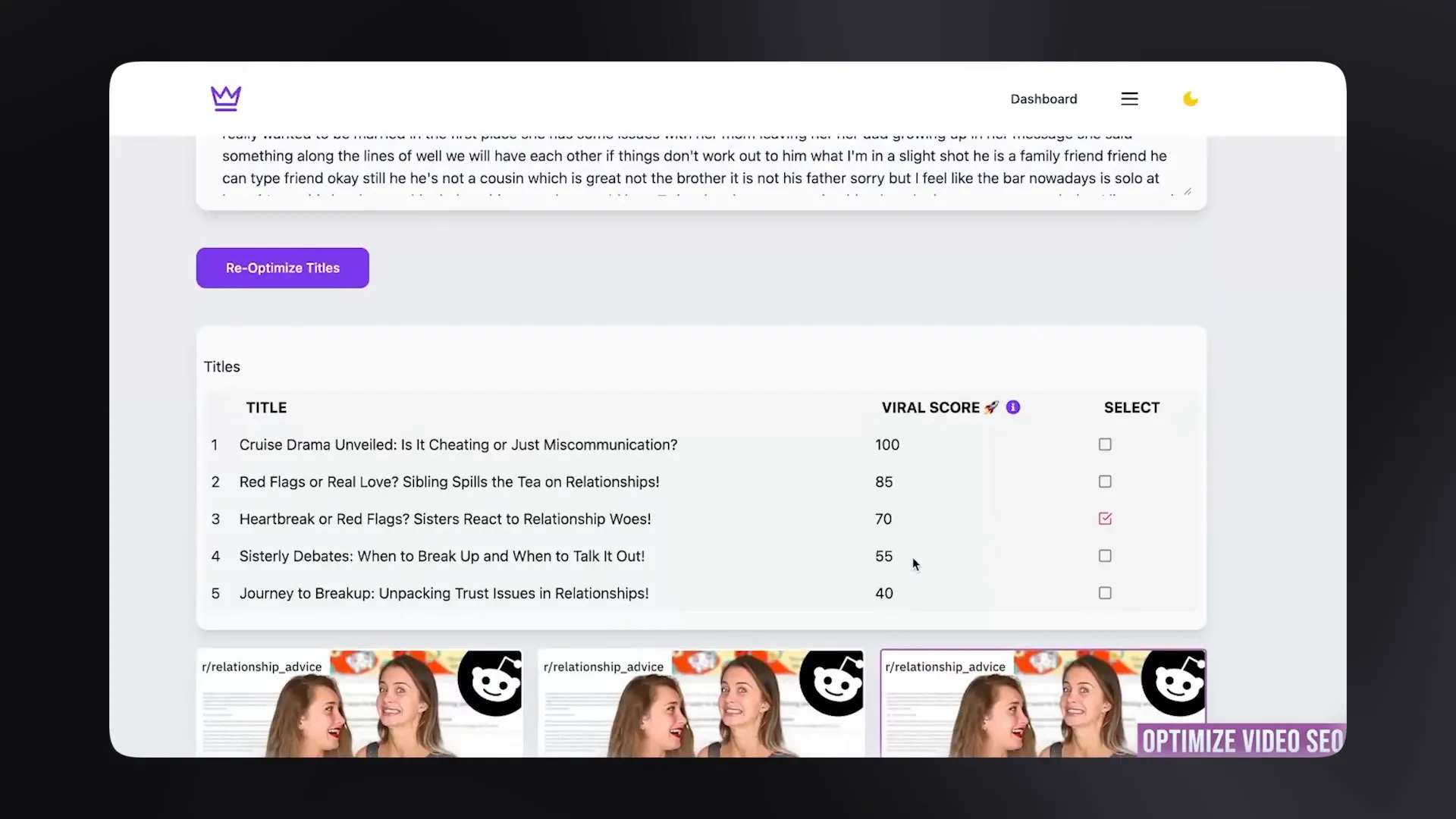
Taja AI is built to take that off your plate. You feed it your video, and it generates title ideas, thumbnail text options, descriptions, and chapters.
One of the most useful features is the scoring. Instead of guessing which title is strongest, you get a directional read on which options are more likely to earn clicks.
A simple way to use Taja without sounding generic
The sweet spot is not to publish the first AI title untouched.
A better process looks like this:
- Generate around 20 title options.
- Delete the flat, obvious, or repetitive ones.
- Take your top 3 and rewrite them by hand.
- Add the human spark back in.
The same logic applies to descriptions and chapters. They matter, but they are usually low leverage tasks compared with scripting and retention. If a tool can handle most of that busy work, great. Save your energy for the higher value decisions.
If you want a broader sense of what makes titles work, it is worth studying YouTube's own creator guidance and basic copywriting principles around curiosity, clarity, and specificity. Resources from YouTube Creator Tips can help sharpen that instinct.
4. Use Opus Clip to turn one long video into several shorts
The fourth headache is repurposing, and this is the one a lot of creators ignore even though it leaves a lot of growth sitting on the table.
You spend hours making one strong long form video. Then you post it once and move on. That is usually a mistake.
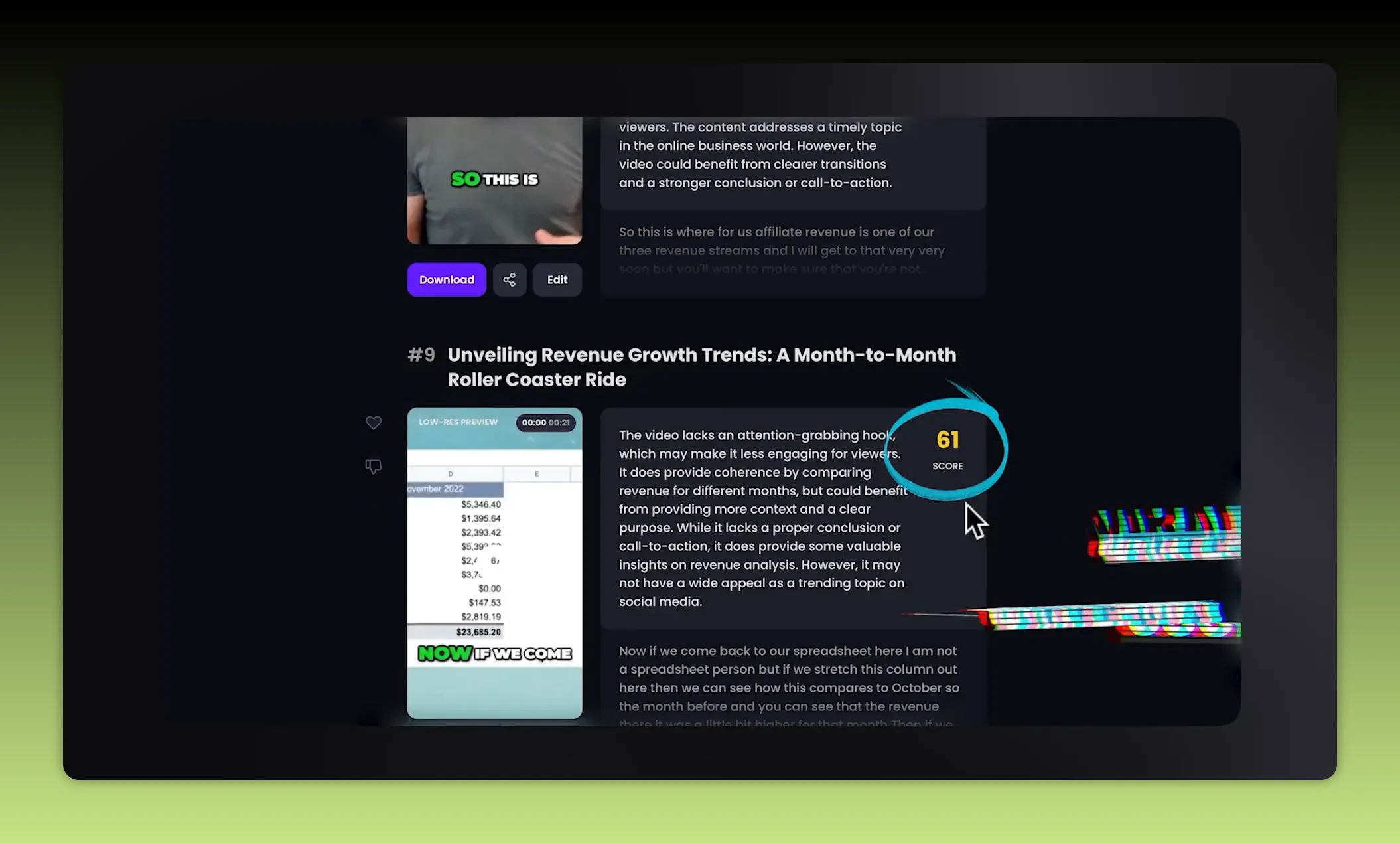
Opus Clip takes a longer video and finds the best short-form moments inside it. It can then turn those moments into clips for Shorts, TikTok, Instagram Reels, and other vertical platforms.
It also handles a lot of the annoying production details:
- Auto-generated captions
- Reframing for vertical formats
- Keeping the speaker centered
- Ranking clips by likely performance
That means one video can become eight or ten smaller assets without you manually slicing every section yourself.
The biggest mistake with repurposing
Do not post every clip the tool generates.
That is the trap.
If the software gives you ten clips, that does not mean all ten deserve to go out. Posting weak clips in bulk can train platforms to ignore your stuff. A better approach is to choose only the top few.
A strong rule of thumb is:
- Review the highest scoring clips
- Pick the best 3
- Publish only those
Quality beats quantity here, even when automation makes quantity easy.
5. Use VidIQ to turn analytics into a clear next move
The fifth headache is analytics.
Most creators open the dashboard, see a wall of graphs, and leave with the same level of confusion they started with. Data is only useful if it helps you decide what to do next.
VidIQ helps by translating performance data into something closer to a practical to do list. It can point out:
- Videos that are quietly overperforming
- Where people stop engaging
- Ideas to make next based on what is already working
That last point matters. Good analytics are not just a postmortem. They should shape the next upload.
The one metric worth paying close attention to
If you only focus on one thing, make it average view duration and the exact point where people start dropping off.
When you find a sharp dip, go inspect that moment closely:
- What was being said?
- What was on screen?
- Did the pace suddenly slow down?
- Did the point feel repetitive or unclear?
Then make the most boring sounding but most effective improvement possible: do less of whatever caused that drop.
That habit can sharpen retention faster than chasing random growth hacks.
What these AI tools should and should not do
All five of these tools are useful, but only if you use them for the right job.
Here is the clean breakdown:
- NotebookLM for research and source-backed idea development
- Subscribr for faster first drafts and script structure
- Taja AI for titles, descriptions, chapters, and packaging support
- Opus Clip for repurposing long videos into short-form content
- VidIQ for turning analytics into action
What none of them should do is replace your taste.
They are there to remove friction, not originality. They can organize your information, speed up your draft, suggest packaging, cut repurposed clips, and summarize your numbers. But they cannot supply the reason people care about your work in the first place.
They cannot replicate:
- Your story
- Your point of view
- Your sense of humor
- Your judgment about what is worth saying
Pick one bottleneck, not all five tools
The smartest move is not to sign up for everything at once.
Pick the one headache that is slowing you down the most right now.
If your browser is a disaster every time you research, try NotebookLM. If you freeze at the blank page, try Subscribr. If you hate packaging, test Taja AI. If you never repurpose, start with Opus Clip. If your channel feels random and you need feedback from your data, use VidIQ.
One tool solving one real bottleneck is a lot more valuable than five tools sitting in a bookmarks folder.
The goal is simple: let the boring part run itself more often, so you can spend your time on the creative part that actually moves the channel forward.


