How to Use AI to Grow Your YouTube Channel: 3 Practical Ways
Two creators can publish the same kind of video on the same topic with similar quality, and one channel takes off while the other goes nowhere.
Usually, that gap is not talent. It is not luck. It is almost never the camera or the editing either.
The real difference is that one creator is using AI to make better decisions, while the other is still guessing.
That is the shift that matters.
Most people are using AI for output. They use it to write scripts, brainstorm ideas, or spit out title options. That can help, but it is the small win. The bigger win is using AI before the work is made, so you can decide what to create, who it is for, and why it should work.
Use AI for decisions, not just content
If you remember one thing, remember this:
- Most creators use AI to make stuff.
- The creators who grow use AI to make decisions.
That difference changes everything.
Instead of asking AI to be the creator, use it as a thinking partner. Use it to pressure test an idea, find patterns in your channel, and improve the way you package a video before it goes out.
No code. No complicated stack. Just smarter use of the tools already sitting open on your desktop.
1. Validate your video idea before you film
A lot of small channels stall for one quiet reason: they make videos nobody was looking for.
The work itself might be solid. The editing might be clean. The explanation might be good. But if demand was never there, the video struggles before it even exists.
That is why idea validation should happen before you hit record.
Open ChatGPT and do not start by asking it to write the script. Ask it to think with you.
Take your video idea and have AI help you answer three basic questions:
- Who is this specifically for?
- What are they already searching for to find this?
- What is the one promise this title needs to make?
If those answers are fuzzy, the video is probably not ready yet.
This matters because a good idea is not just something that sounds interesting to you. It has to match an existing problem, curiosity, or desire that someone is already trying to solve.
Find the gap in your topic
Here is the move that takes this from decent to powerful.
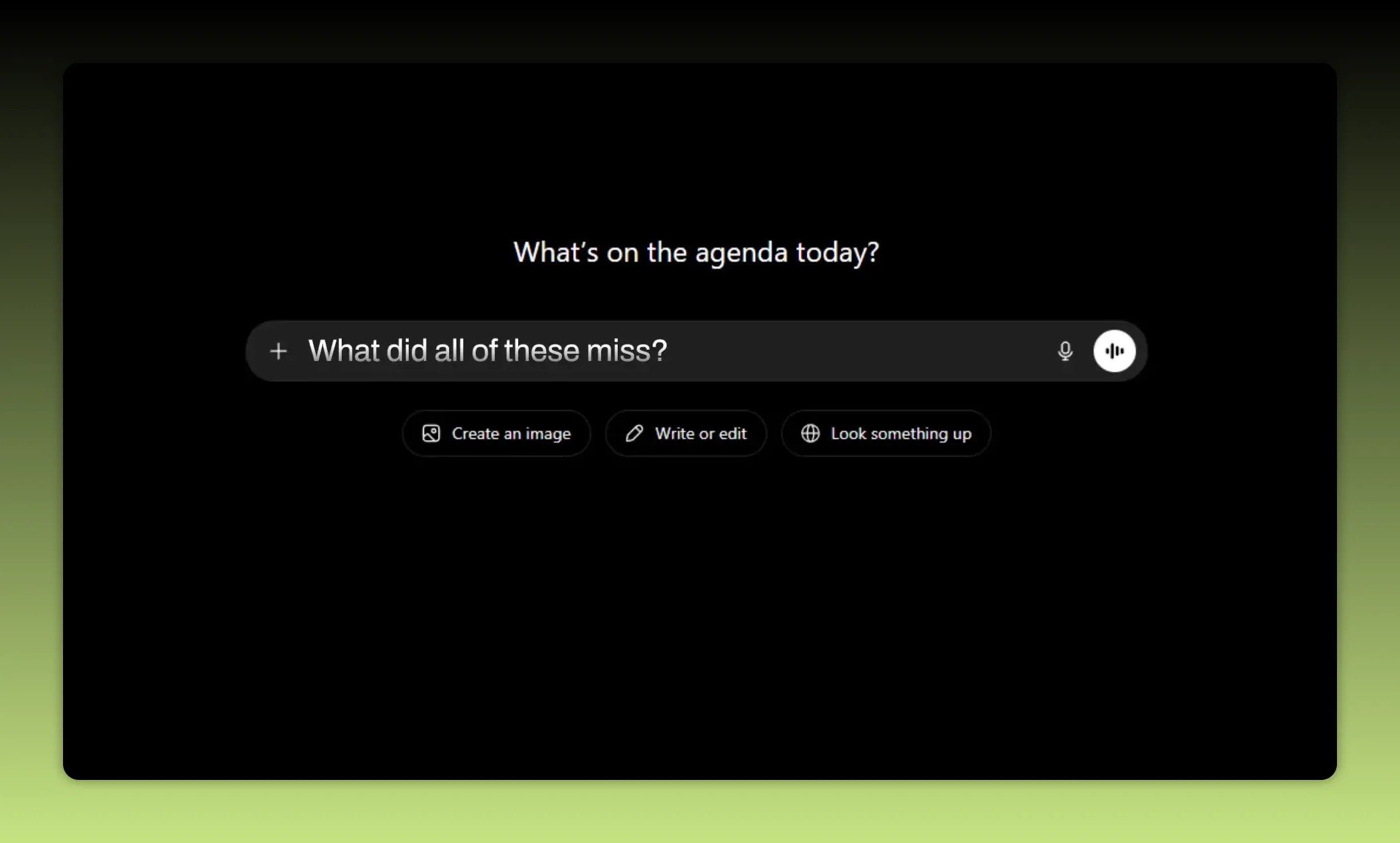
Pull the titles of the top five videos already ranking for your topic. Paste them into AI and ask one question:
What did all of these miss?
That missing piece is where your angle lives.
Instead of making a weaker copy of videos that already won, you are looking for the gap they left behind. Maybe they all cover the basics but ignore the beginner mistakes. Maybe they explain the strategy but skip the exact workflow. Maybe they promise speed but not reliability.
That uncovered space is what helps your video sit next to the winners instead of getting buried under them.
The filter is simple. If you cannot clearly explain who the video is for and what they are searching for, stop and tighten the idea first.
That one habit will save you from a lot of future flops.
2. Let AI read your analytics and find patterns
Your channel is already giving you answers.
The problem is that most creators either never check the data properly or stare at it without knowing what to do next.
You do not need AI to replace your judgment here. You need it to help you see what is already hiding in plain sight.
Go into YouTube Studio and collect data from your last 10 to 20 videos. Export it or grab screenshots that include:
- Views
- Click through rate
- Average view duration
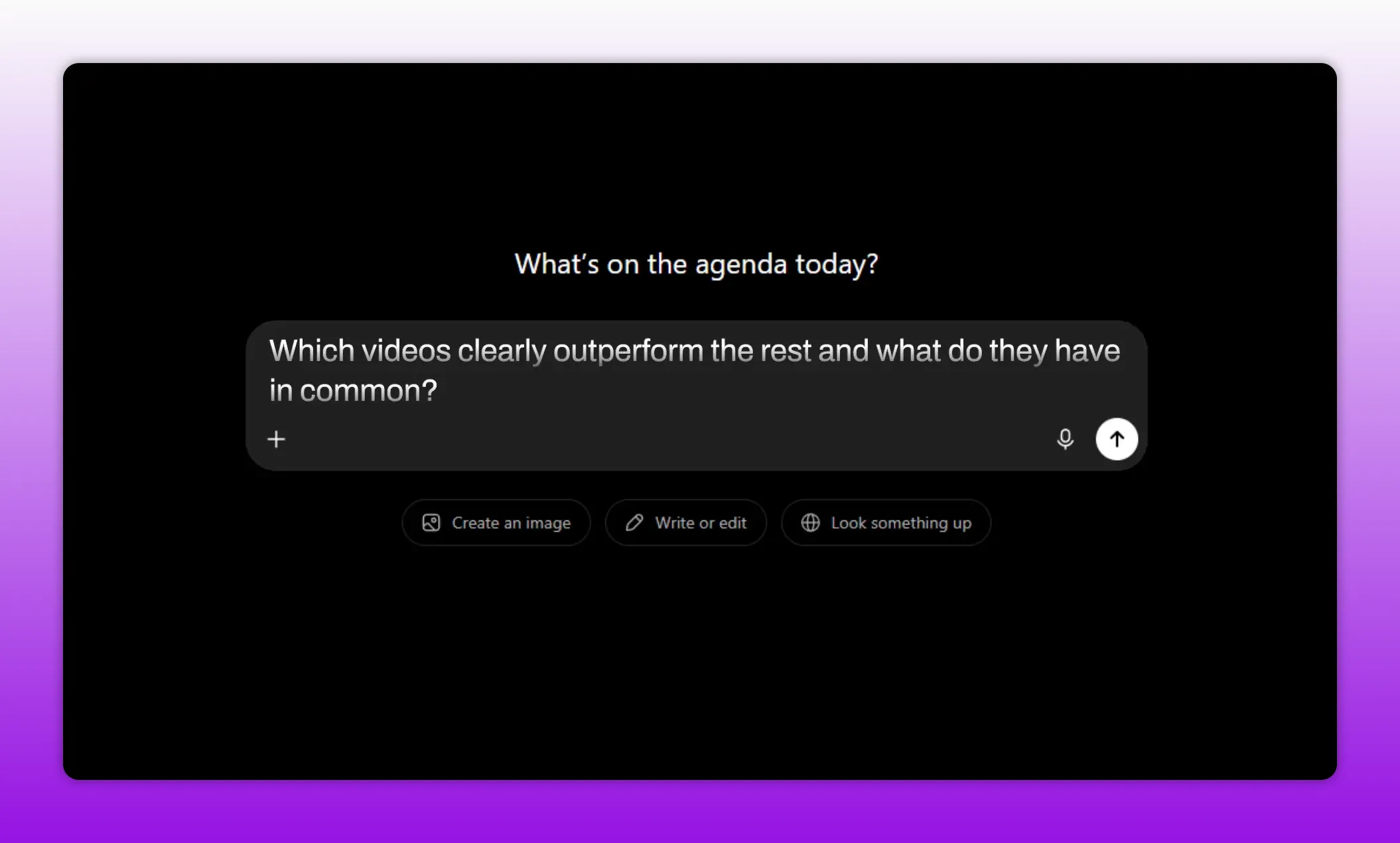
Drop that into AI and ask:
- Which videos clearly outperform the rest?
- What do they have in common?
This is where things get useful fast.
AI can often spot patterns you are too close to notice. You might discover that your how-to videos consistently outperform everything else while your reaction videos underperform. You might notice that videos with numbers in the title win more often. You might find that certain topics hold attention longer even if they start slower.
That is the key. You stop guessing what to make next and start using your own data in plain English.
Once AI identifies the pattern, ask the obvious follow-up:
Based on this, give me five new video ideas that lean into what is already working.
Now your next month of content is built on evidence instead of hope.
What kind of patterns should you look for?
You are not only looking for topics. You are looking for repeatable traits.
- Format, such as tutorials versus reactions
- Title structure, such as numbers or mistake-based hooks
- Topic depth, such as beginner guides versus advanced breakdowns
- Retention trends, where certain styles hold attention longer
The goal is not to reduce your channel to one formula. The goal is to find what the market has already rewarded on your own channel, then build from there.
3. Build titles and thumbnails that earn the click
You can make the best video of your life and still lose if the packaging fails.
If the title and thumbnail do not earn the click, the video never gets a real chance.
Packaging is not some decorative last-minute step. It is half the job.
This is another place where AI can help, but only if you use it the right way.
Give AI your topic and your target audience. Then ask it for multiple title options using proven title patterns. For example:
- Number and time formats that suggest speed, clarity, or structure
- Mistake and fix formats that highlight a problem and solution
- Curiosity gap formats that create interest without becoming vague
Ask for 10 options, not one. Volume helps you compare angles quickly.
But this part matters more than the prompt:
Do not let AI pick. You pick.
AI is good at generating drafts. It is not responsible for whether the title is honest, sharp, or aligned with the actual video.
If you choose a title that overpromises and the content does not deliver, that hurts more than it helps. You may win the click once, but you lose trust.
Use AI to create thumbnail concepts too
Once you have your strongest title, use AI again for thumbnail direction.
Ask it to describe three thumbnail concepts that match the title, each built around a single idea.
That last part matters. A good thumbnail is not a cluttered pile of text, arrows, faces, icons, and random objects. It should communicate one clear visual message.
AI can help you generate those concept directions quickly, but you still need to direct the final result. If you work with a designer, hand them the best concepts. If you design your own, use those concepts as rough creative starting points.
The role split is simple:
- AI drafts
- You direct
The 3-part AI growth framework
Pulling it all together, the framework looks like this:
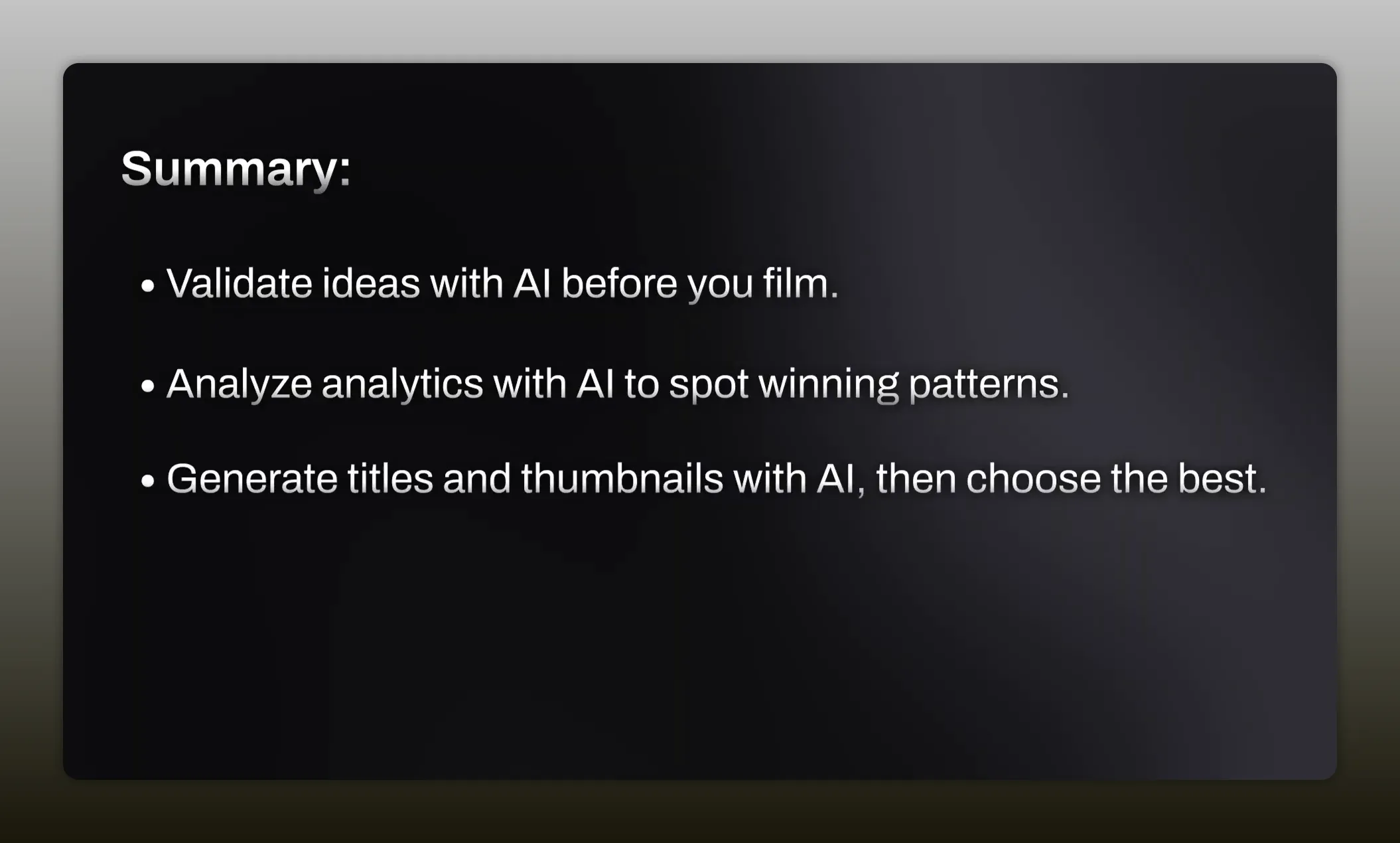
- Validate the idea before filming. Use AI to figure out who the video is for, what they are searching for, and what gap you can fill.
- Read your analytics with AI. Feed it your recent performance data and let it identify the patterns behind your strongest videos.
- Package the video more effectively. Use AI to generate title and thumbnail options, then apply your own judgment to choose what truly fits.
Notice the thread running through all three steps.
AI is never asked to become the creator. It is used to help you make better decisions faster.
That is the real difference between creators who use AI to make more stuff and creators who use AI to actually grow.
Start with your next video
You do not need to overhaul your entire process today.
Start with one thing: your next upload.
Before you film, run the idea through AI and pressure test it. Make sure you can clearly define the audience, the search intent, and the promise. That alone puts you ahead of most creators still operating on instinct alone.
The win is not using more tools. The win is making fewer blind decisions.
If you get that part right, AI stops being a gimmick and starts becoming a growth advantage.


