Turn Cooking Videos into Website Recipes in Minutes (Using AI)

Feb 23, 2026 • 3 min read

If you create cooking content, you can turn each clip into a fully written, SEO-friendly recipe post in under a minute using Video To Blog. This step-by-step tutorial shows the exact workflow: from grabbing your clip to publishing a clean, structured recipe that’s ready to rank in search engines.
Why repurpose cooking clips into recipes?
One well-made cooking clip can become long-term search traffic when converted into a searchable recipe post. A recipe post with clear step-by-step instructions, structured headings, and an optimized introduction captures both social and organic visitors. Using Video To Blog automates the heavy lifting so you spend less time rewriting and more time creating.
Step-by-step tutorial: Convert a cooking clip into a recipe
1. Prepare your clip
Decide whether you’ll use a clip hosted on YouTube or a local file. If it’s on YouTube, copy the clip URL. If it’s local, you’ll upload the file directly in the next step.
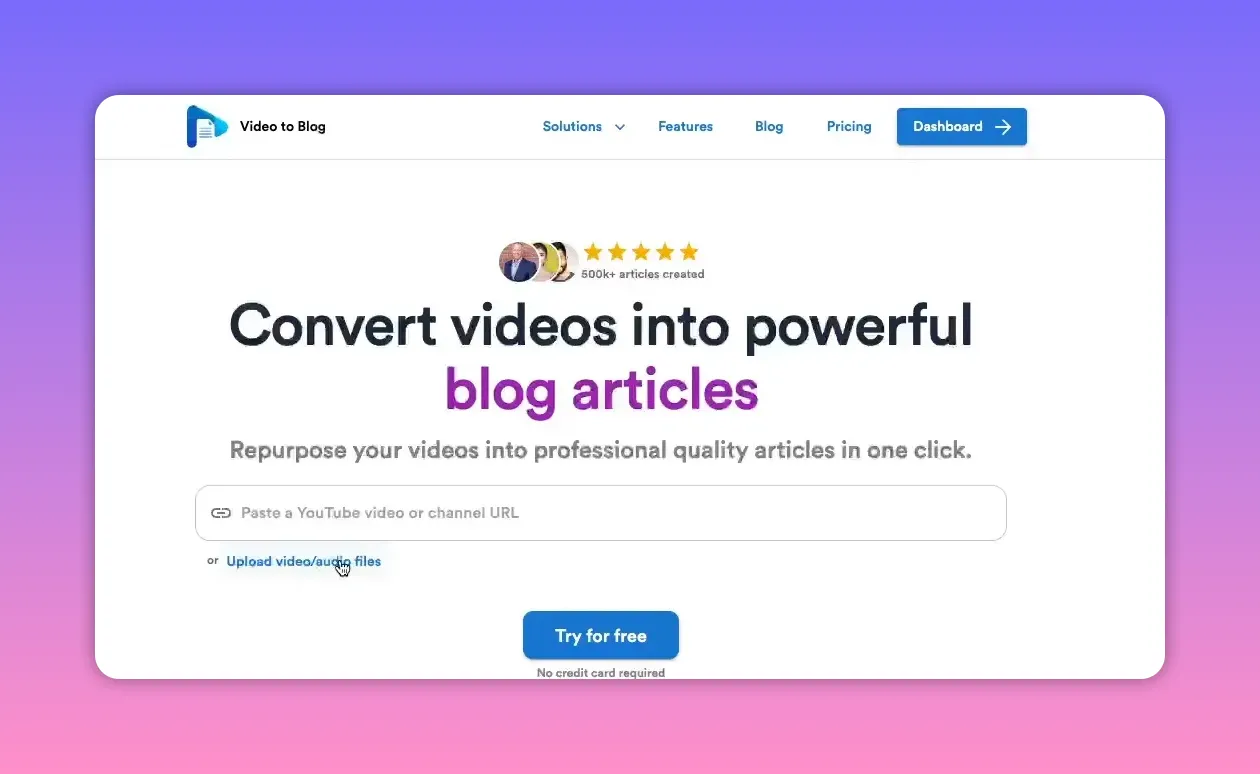
2. Open Video To Blog and add the clip
Go to Video To Blog and either paste the URL or click the upload button to add your file. The upload flow works the same whether the clip is hosted online or coming from your computer.
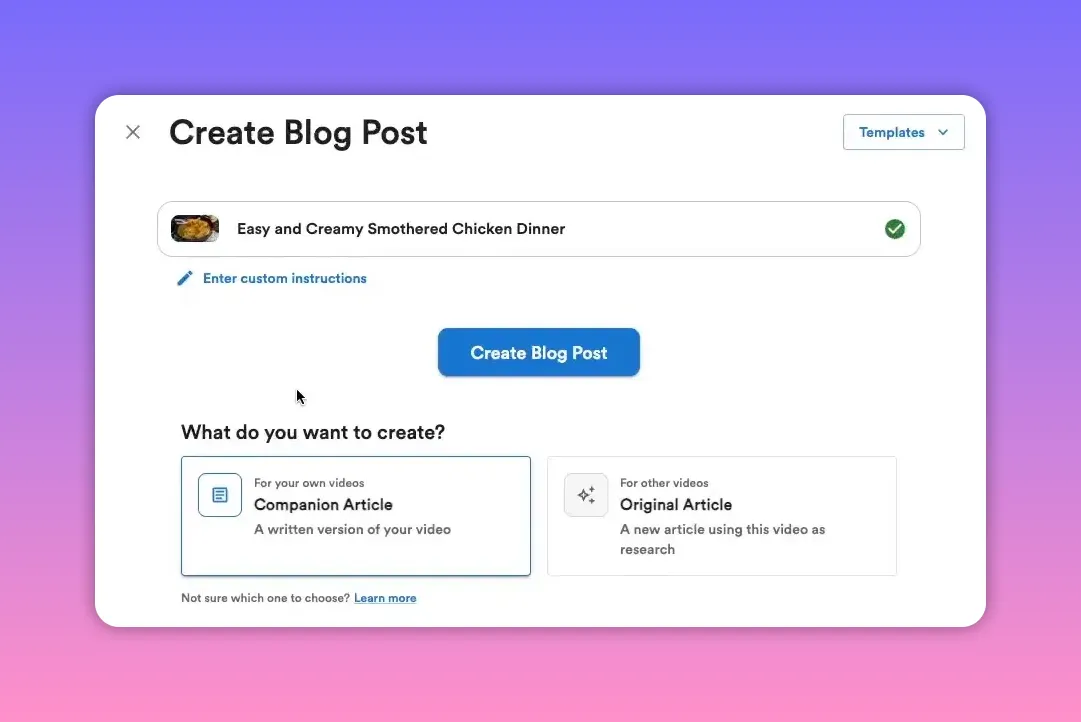
3. Choose article type
Select between a companion article (complements the clip) or an original article (standalone content). For recipe posts that support a clip, a companion article is usually a good fit.
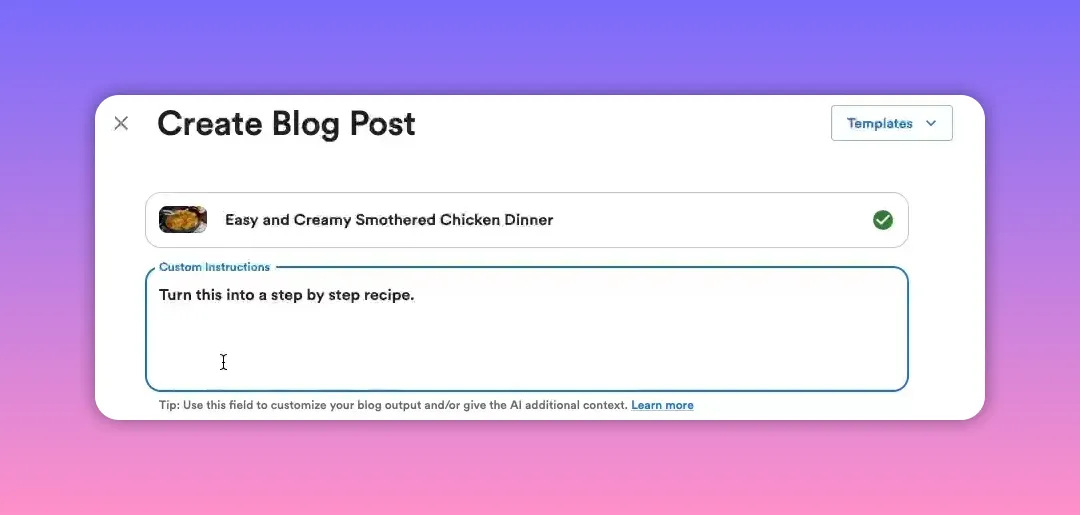
4. Give clear instructions to the AI
Add a custom instruction so the output matches your goal. A simple and effective prompt is:
turn this into a step-by-step recipeThat tells the system to extract ingredients, order the steps, and format a recipe-style post.
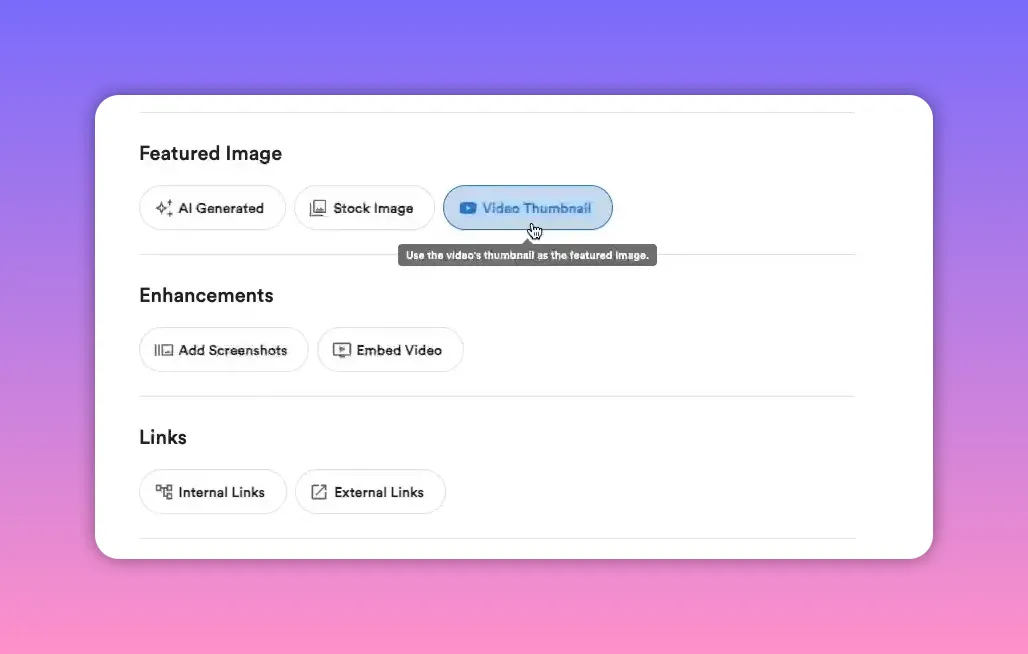
5. Configure images, embeds, and links
Choose a featured image—selecting the clip thumbnail is a fast option. Decide whether to embed the original clip and whether to include screenshots from the clip. You can also instruct the AI to insert affiliate links or product recommendations if you want to monetize the recipe.
6. Generate the blog post
Hit Create Blog Post. The system typically starts generating in a few seconds and finishes in under a minute for most clips. When generation completes, the draft will include formatted sections like an introduction, ingredients list, and step-by-step instructions.
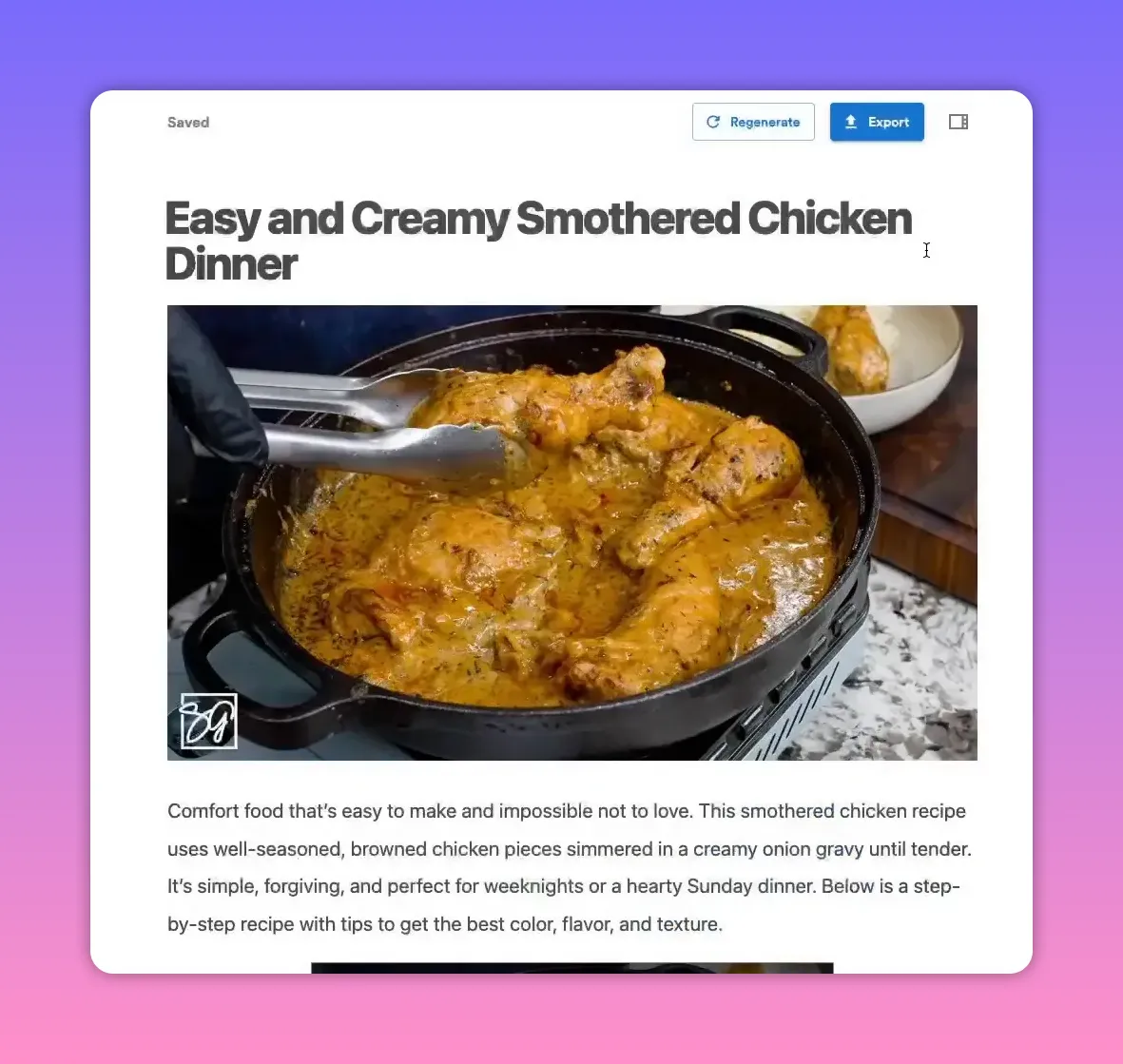
7. Review, tweak, and publish
Read the generated recipe and make quick edits:
- Verify ingredients and measurements.
- Adjust cooking times and order of steps as needed.
- Add or swap images and screenshots for better visuals.
- Insert affiliate or product links manually or re-run generation with link instructions.
When ready, publish directly to supported platforms or download the post. Video To Blog integrates with many publishing destinations, making it simple to push content to your site or CMS.
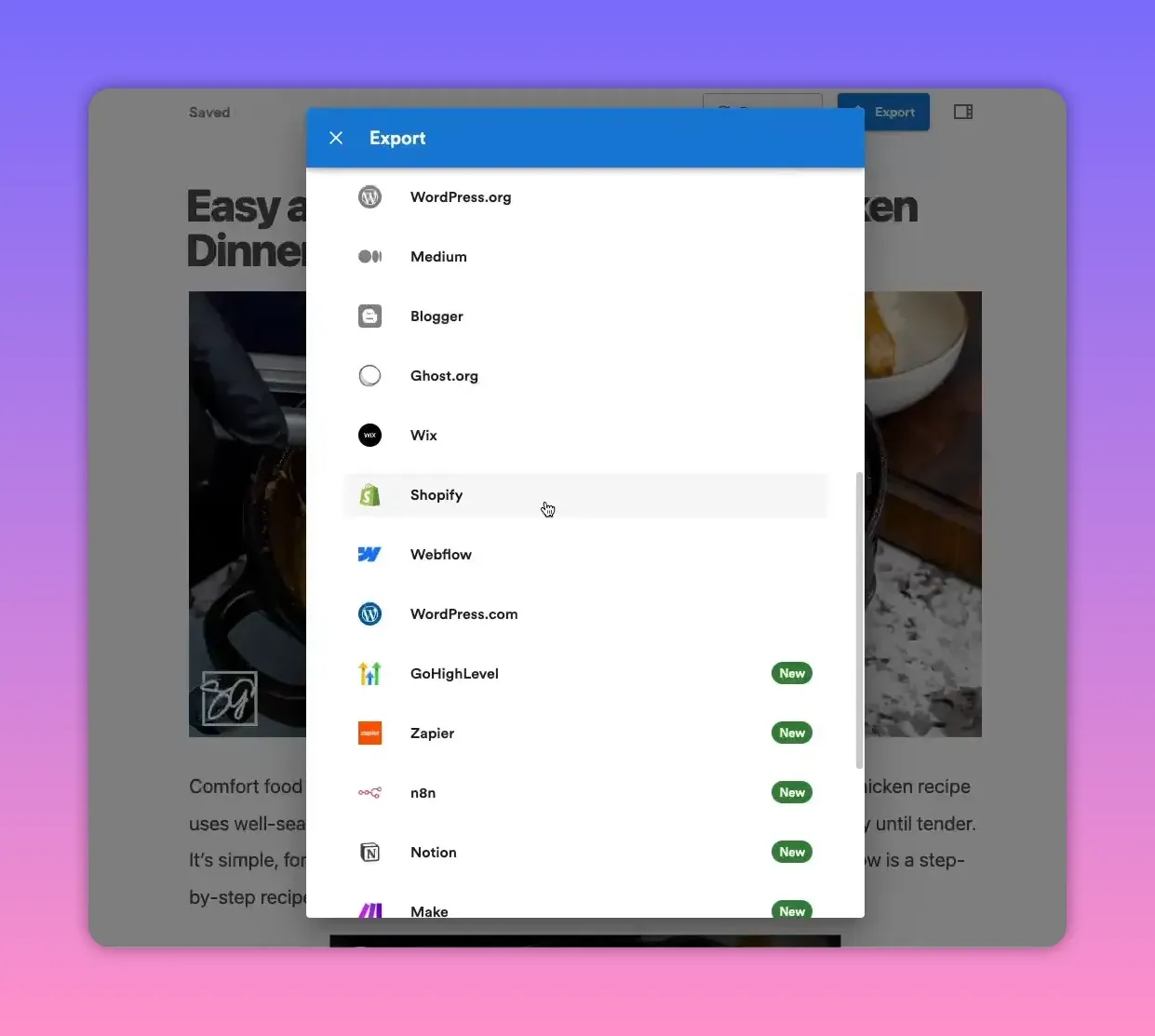
Where you can publish
Publish the recipe directly or download it for manual upload. Common destinations include:
- WordPress
- Blogger
- Medium
- Shopify
- Or export as HTML, Word, or PDF for custom use
Quick tips for better recipe posts
- Always proofread the AI output—double-check quantities and timings.
- Use screenshots from the clip to show critical steps or the finished dish.
- Optimize headings and add keywords like "step-by-step recipe," "easy recipe," or the dish name for SEO.
- Add affiliate links for equipment or specialty ingredients to monetize traffic.
- Include structured headings such as Ingredients, Instructions, Notes, and Nutrition to improve readability and search performance.
Checklist before publishing
- Ingredients list verified
- Steps are clear and in order
- Images/screenshots added and cropped
- Desired links inserted
- Target CMS selected and post published or exported
Final thoughts
Repurposing cooking clips into fully written recipes turns short-term social content into long-term search assets. With Video To Blog, you automate formatting and structure so you can publish high-quality recipe posts quickly. Spend a minute generating a draft, a few minutes polishing it, and you’ll have a post that both readers and search engines love.
Rather watch instead?
Check out our video tutorial here...


