How to Turn Webinar Videos into SEO-Friendly Blog Articles

Jan 27, 2026 • 3 min read
Repurposing webinar recordings into publish-ready blog articles is one of the easiest ways to get more ROI from existing content. With the right workflow you can generate a structured, SEO-optimized article complete with a featured image, slide screenshots, and one-click export to your site—without manual transcription or hours of rewriting.
Quick overview: what this process does
This workflow automatically transcribes a long-form webinar, extracts key sections, generates a featured image, captures slide screenshots, and builds a readable article you can edit and export. The result is a companion post that mirrors the recording or an original article that uses the recording as source material.
What we're using
We're using Video To Blog to do the conversion here. It's a paid tool, but considering how much time it saves you it's a steal. They also offer a free trial.
Step-by-step: convert a webinar recording into a blog post
1. Import the recording
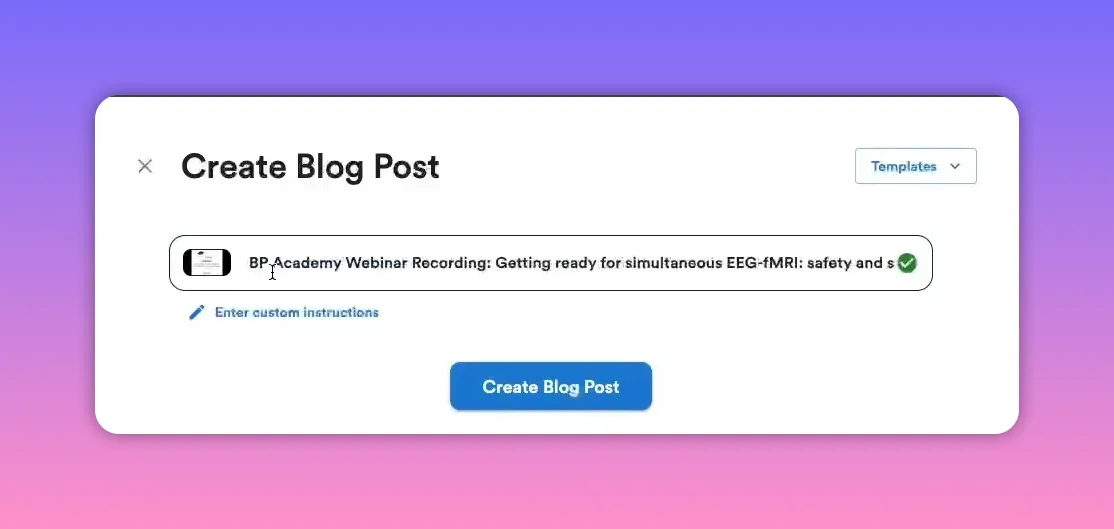
Either paste a public link or upload your file. If the recording is hosted online, copy the link and paste it into the importer. If the recording lives on your computer or private storage, upload the video or audio file directly.
Example: paste the URL into the import field to start.
2. Choose the article type and key options
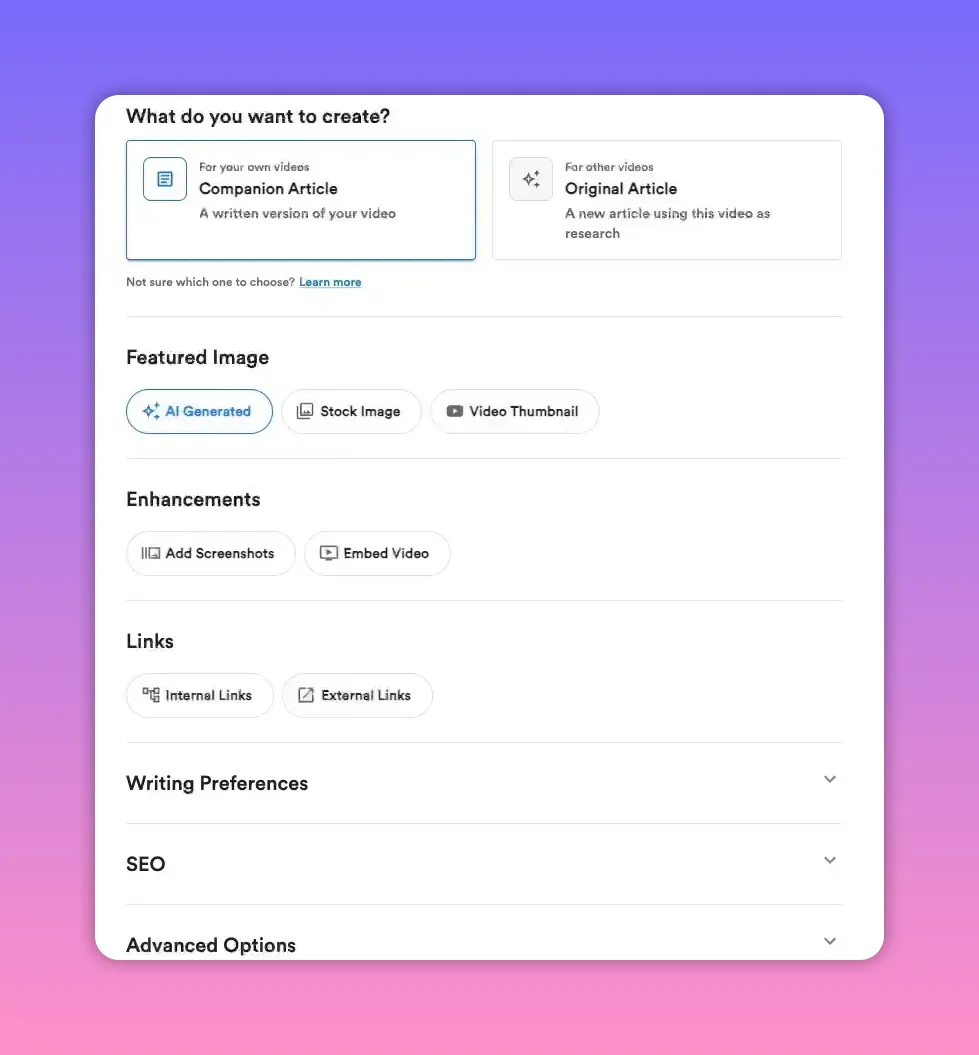
You’ll typically pick between two paths:
- Companion article: a faithful written version tied to the webinar (great if you want the blog post to match the recording).
- Original article: uses the recording for research and produces a fresh, independent piece.
Decide whether to generate an AI image for a featured image, include slide screenshots, and add a background to make screenshots pop. You can also enable automatic link insertion, set writing preferences, and toggle SEO optimization.
3. Generate and review the draft
The tool transcribes and creates a structured article in under a few minutes. Read the draft, tweak sections, and adjust tone or headings as needed. Pay special attention to the introduction and any CTAs that should reflect your brand voice.
Tip: keep the article scannable—use short paragraphs, clear headings, and lists where appropriate.
4. Add and edit slide screenshots
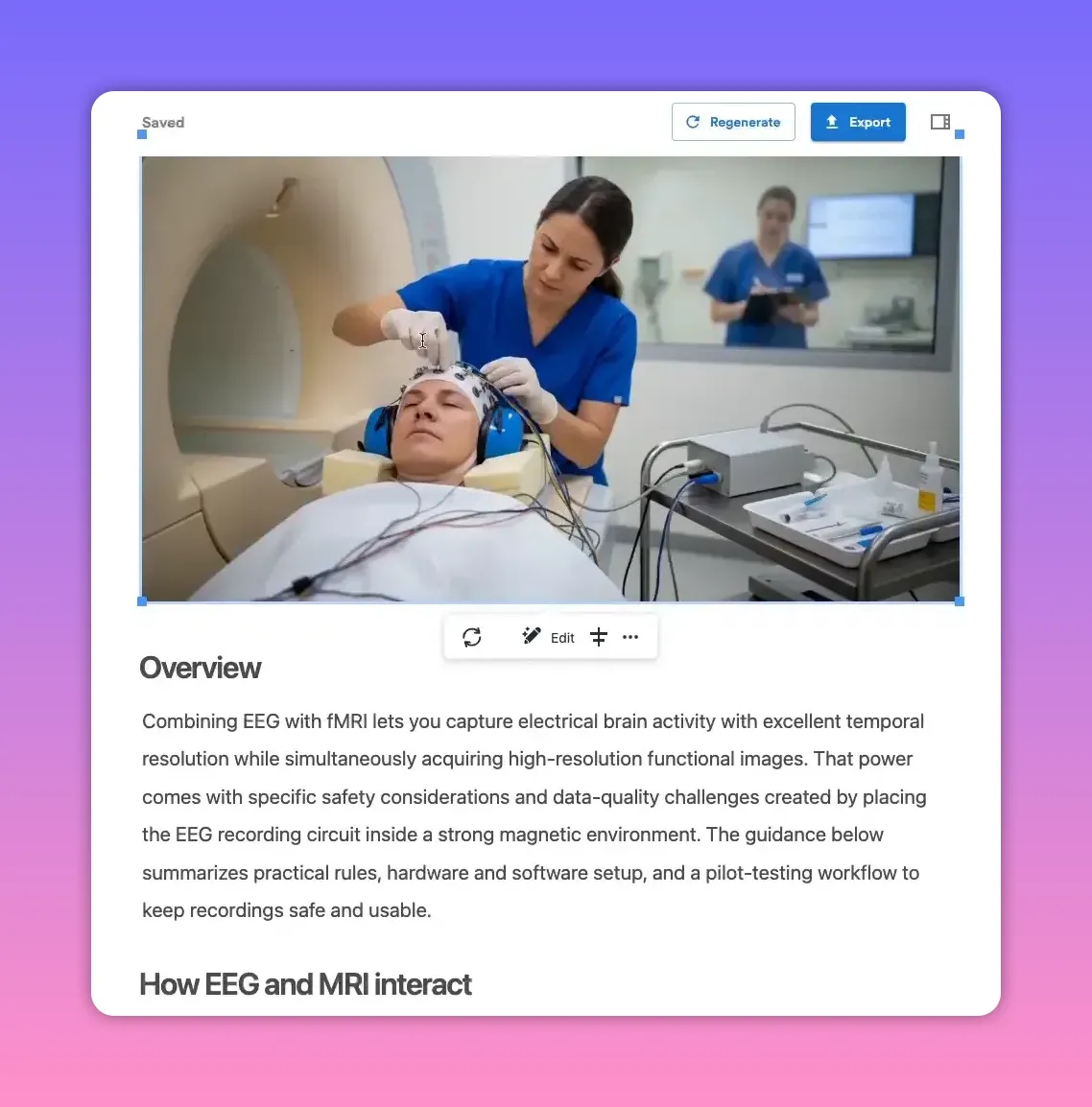
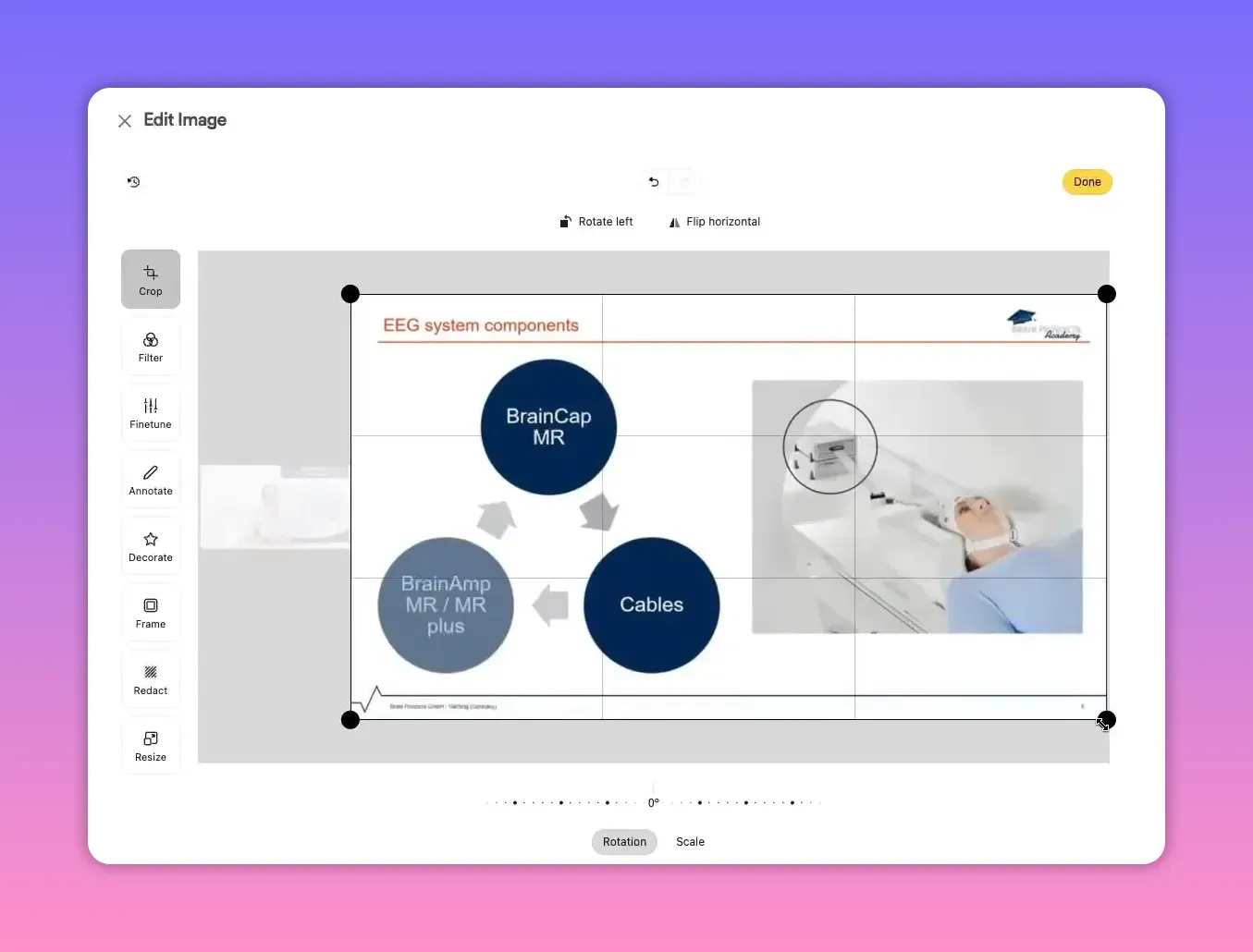
If the recording includes slides, include screenshots to break up text and highlight visual points. You can crop or edit each screenshot to remove extraneous details—leaving only the slide content keeps the article clean and professional.
Crop the images to focus on the slide content, then reapply a background if you used one for consistency.
5. Improve SEO and add links
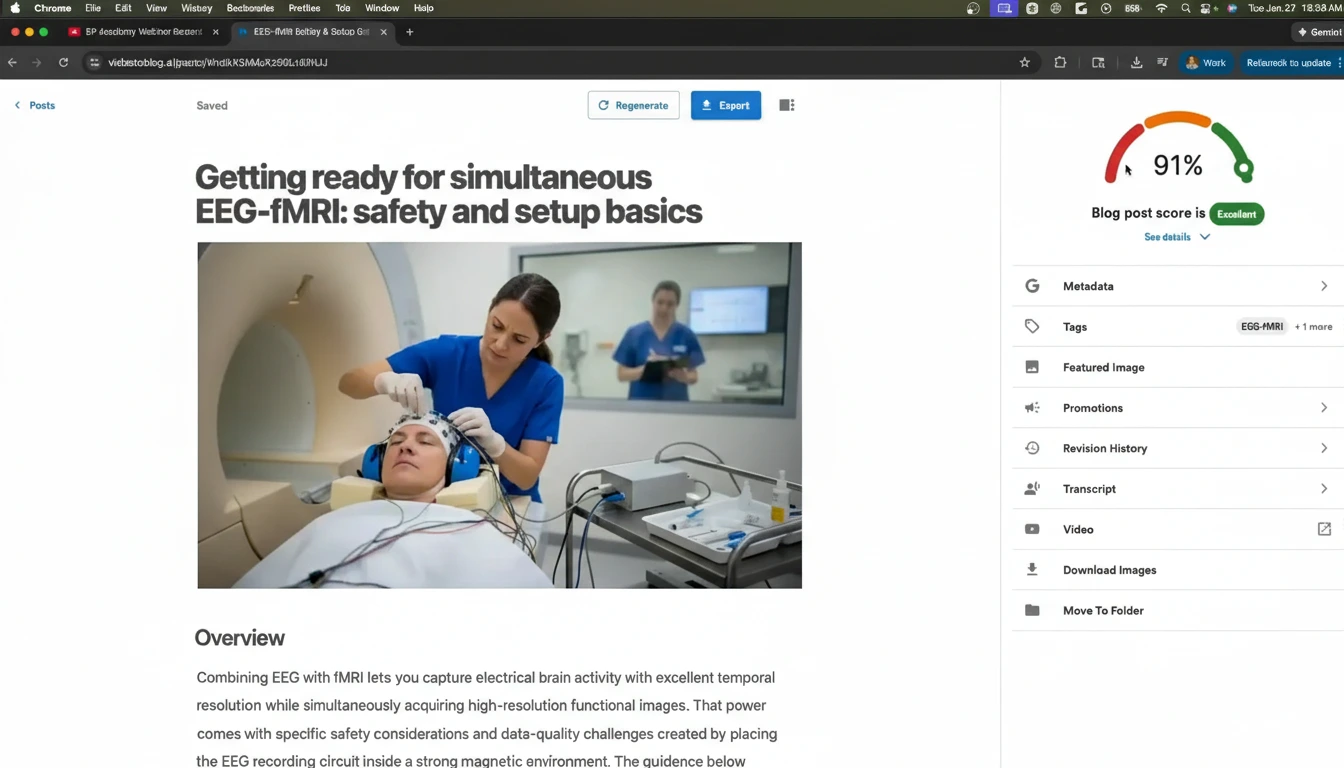
Open the SEO sidebar to get an optimization score and suggestions. Use that feedback to:
- Adjust headings and meta text
- Add internal links to related posts
- Include external references and citations where relevant
Internal linking is especially valuable: link to related case studies, resource pages, or product pages to boost session time and conversions.
6. Export and publish
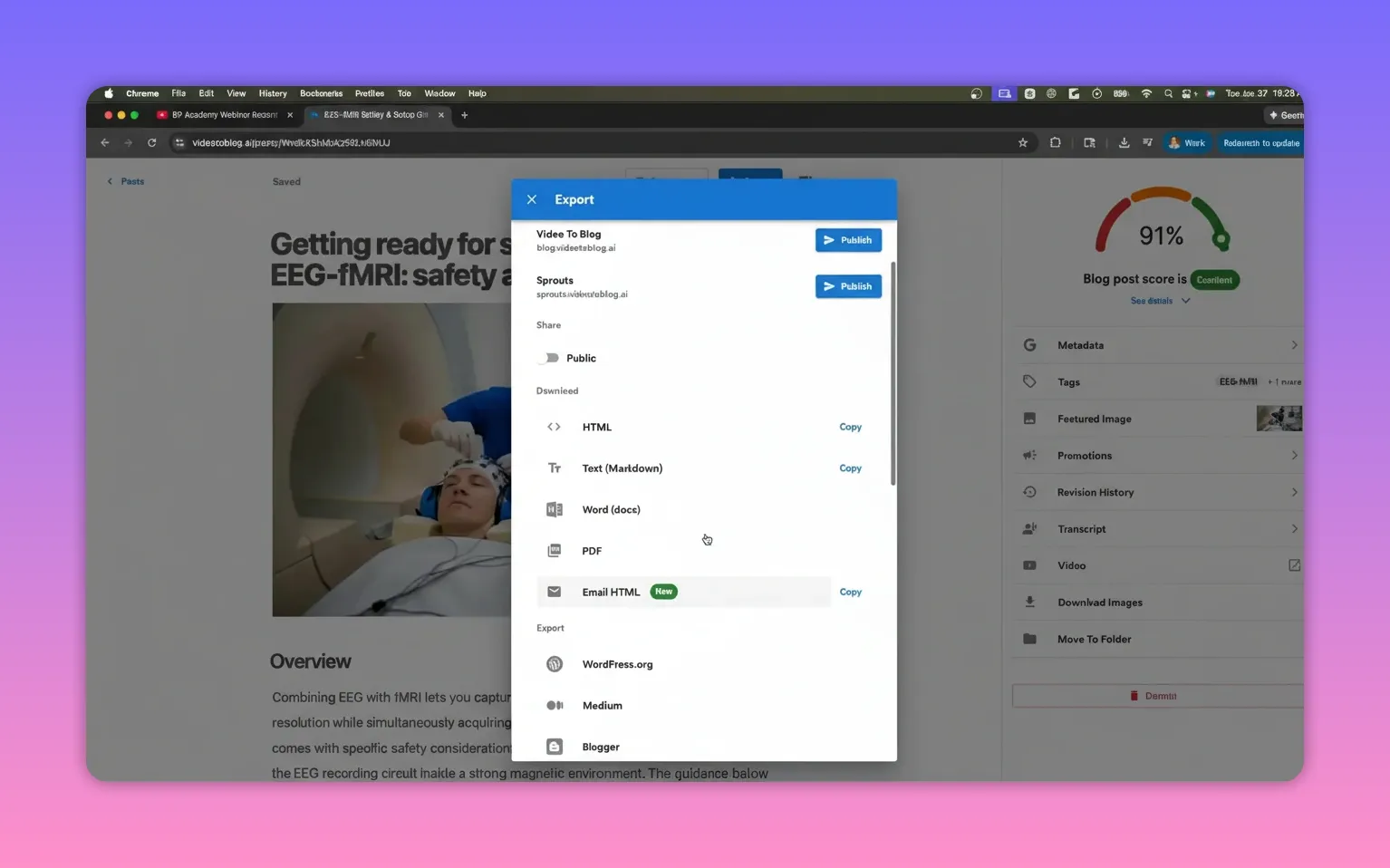
Export options are flexible. You can download the article in common formats or push it straight to many publishing platforms.
- Download: HTML, Markdown, Word, or PDF
- Email: export as HTML for newsletters
- One-click publish to platforms: WordPress, Medium, Blogger, Ghost, Wix, Shopify, and more
Practical publishing checklist
- Read the draft and tighten the intro and conclusion.
- Crop every screenshot so only the slide content remains.
- Add at least one featured image (AI-generated images work well).
- Insert internal and external links relevant to the topic.
- Run the SEO suggestions and improve headings, meta, and keywords.
- Export in the format your CMS prefers or publish directly.
Tips for better results
- Prefer companion posts if the goal is a faithful transcript-based resource; choose original if you want a fresh take using the webinar as research.
- Include screenshots for visual credibility—slides make longer posts more engaging.
- Edit images to remove unnecessary UI elements or presenter video so the slide content is the focus.
- Use the SEO score as a guide, not a rule. Prioritize readability and relevance for your audience.
- Repurpose further: split long articles into shorter posts, create social posts from highlights, or build an email series from the content.
Why this approach works
Webinar recordings are long-form, information-rich assets. Turning them into blog articles gives search engines text-based content to index, helps readers find the ideas in a scannable format, and drives ongoing organic traffic. The process also reduces manual labor by automating transcription, image generation, and draft structuring so you can focus on final edits and distribution.
Final thought
With a repeatable workflow you can transform every past and future webinar into evergreen blog posts that attract search traffic, educate your audience, and support your content funnel. Follow the steps above, prioritize clarity and links, and you’ll get more value from every recording.
Rather watch instead?
Check out our video here...


